
1080p 240Hz vs. 1440p 165Hz/180Hz: Which Gives the Competitive Edge?
1080p 240Hz vs. 1440p 165Hz/180Hz is the defining gaming monitor dilemma. We analyze 4.17ms vs. 5.56ms frame refresh intervals, distant target visual clarity (90 PPI vs. 109 PPI), 24.5-inch tournament sightlines vs. 27-inch immersion, GPU demands from RTX 4060 to RTX 4070, motion blur, and live retail pricing across Amazon, Best Buy, and Newegg.
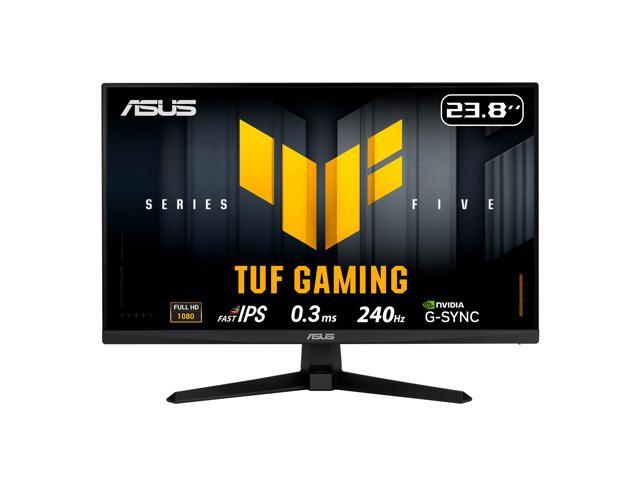
ASUS TUF Gaming 24 inch (23.8" viewable) Full HD 1080P 240hz Fast IPS with AMD FreeSync Premium & G-Sync Compatible 0.3ms Gaming Computer Monitor VG249QM5A
The tournament standard for competitive tactical shooters. Refreshes every 4.17ms, allows budget GPUs to lock 240+ FPS, and keeps your entire field of view within direct sightlines without neck panning.
- Resolution & Density: 1920 x 1080 (90 PPI on 24.5")
- Frame Refresh Interval: 4.17 ms per frame
- Esports Advantage: Maximum motion clarity & minimal input lag
- GPU Friendliness: Runs 240+ FPS on RTX 4060 / RX 7600
- Primary Genre: VALORANT, CS2, Overwatch 2
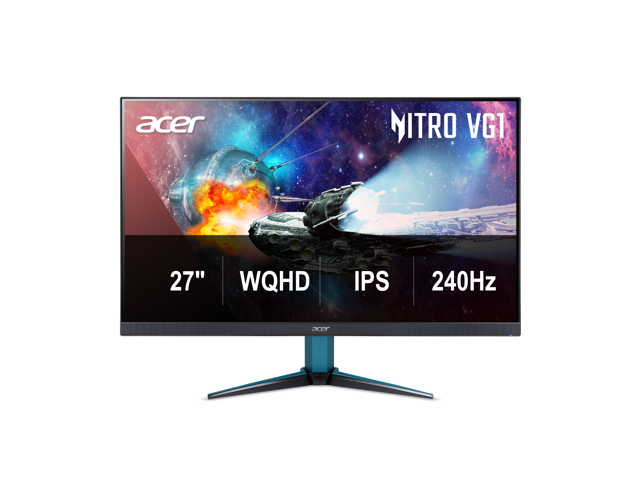
Acer Nitro 27 inch WQHD 2K 1440P 240HZ IPS 0.5ms with AMD FreeSync Premium HDR400 Gaming Computer Monitor with Speakers VG272U W2BMIIPX
The undisputed sweet spot of modern PC gaming. Packs 77% more pixels (109 PPI) to resolve distant enemy silhouettes in battle royales, delivers ultra-smooth 5.56ms frame pacing, and doubles as an expansive workstation.
- Resolution & Density: 2560 x 1440 (109 PPI on 27" — +77% pixels)
- Frame Refresh Interval: 5.56 ms (180Hz) / 6.06 ms (165Hz)
- Competitive Advantage: Spotting distant head glitches & snipers
- GPU Requirement: RTX 4070 / RX 7800 XT recommended for max FPS
- Primary Genre: Apex Legends, Warzone, PUBG, AAA Gaming
The Verdict: Which Gives the Real Competitive Edge?
The gaming community often debates whether pure refresh rate (240Hz) or higher resolution (1440p) gives a greater advantage in online matchmaking. The definitive answer depends entirely on the types of games you play and engagement distances:
- 1080p 240Hz gives the competitive edge if: You are a hardcore tactical shooter purist (VALORANT, Counter-Strike 2, Rainbow Six Siege close-quarters). In these games, combat takes place across predictable hallway distances, enemies are close, and victory hinges on sub-millisecond reaction speeds, rapid crosshair micro-adjustments, and counter-strafing. The 4.17ms frame update and 24.5-inch compact viewing angle let you digest the entire screen without shifting eye focus.
- 1440p 165Hz/180Hz gives the competitive edge if: You play battle royales, open-map shooters, or mixed titles (Apex Legends, Call of Duty: Warzone, PUBG, Fortnite, Battlefield). In these games, spotting a pixel-sized enemy helmet peeking behind cover at 150 meters is far more game-deciding than shaving 1.5ms off a frame refresh. At 1440p (109 PPI), distant targets are crisp and readable, whereas on 1080p (90 PPI) they appear as blurry, pixelated mush. Furthermore, 1440p 165Hz/180Hz is vastly superior for daily productivity, video editing, and immersive AAA campaigns.
1. Frame Timing: 4.17ms vs. 5.56ms & Diminishing Returns
Every refresh rate corresponds to a specific duration of time during which a single frame remains static on screen before the next frame is displayed:
| Refresh Rate | Frame Display Time | Latency Reduction vs Previous Tier | Perceptual Impact |
|---|---|---|---|
| 60 Hz (Standard) | 16.67 ms | Baseline | Sluggish motion, heavy blur |
| 144 Hz (Baseline Gaming) | 6.94 ms | -9.73 ms savings | Massive, night-and-day leap |
| 165 Hz (Mainstream QHD) | 6.06 ms | -0.88 ms savings | Noticeable, silky fluidity |
| 180 Hz (Modern Fast QHD) | 5.56 ms | -0.50 ms savings | Extremely close to 240Hz feel |
| 240 Hz (Esports FHD) | 4.17 ms | -1.39 ms savings vs 180Hz | Ultra-refined motion tracking |
The Takeaway: Moving from 60Hz to 144Hz cuts frame time by nearly 10ms. But jumping from 180Hz to 240Hz saves only 1.39 milliseconds. While competitive pros can feel that 1.39ms difference during aggressive A-D strafing, for average players the law of diminishing returns is very real.
2. Visual Acuity: Spotting Enemies at 100+ Meters
Resolution is not just about pretty graphics—it is an active competitive tool. A 1440p display renders 3,686,400 pixels, compared to 1080p's 2,073,600 pixels. That represents a 77.8% increase in pixel density:
1080p at 24.5 Inches (~90 PPI)
At 90 pixels per inch, an enemy player peaking a rooftop 150 meters away in Warzone or Apex occupies only 4 to 8 pixels on your screen. Anti-aliasing often blurs these pixels into background foliage or brick textures, forcing you to squint or miss early visual cues.
1440p at 27 Inches (109 PPI)
At 109 PPI, that exact same distant enemy is rendered with nearly double the pixel geometry. The helmet, weapon barrel, and shoulder outline remain sharp and distinct. In tactical battle royales, spotting the enemy first is 70% of winning the gunfight.
3. Screen Size & Sightlines: The 24.5" Tournament Standard
There is a reason professional esports tournaments (VCT, ESL, BLAST) mandate 24.5-inch 1080p monitors rather than 27-inch or 32-inch displays:
- Human Foveal Vision: Your sharpest vision (the fovea centralis) covers only a 2° to 5° cone in the center of your sight. On a 24.5-inch screen viewed from 18–22 inches away, you can keep your crosshair locked on mid-screen while monitoring your radar, ammo count, and health bar with peripheral vision—without moving your eyeballs or neck.
- The 27-Inch Eyeball Travel: On a 27-inch screen at close desk distances, your eyes must physically travel further to check the mini-map in the top-left or the kill feed in the top-right. In a game with a 150ms time-to-kill like VALORANT, shifting eye focus for 50ms can result in instant death.
4. GPU Demand & Frametime Consistency: The 1% Low Trap
A 240Hz monitor is only beneficial if your graphics card and CPU can consistently sustain 240 FPS or higher:
- Budget GPUs (RTX 4060, RX 7600): Perfect match for 1080p 240Hz in competitive titles. Will struggle to maintain 140+ FPS at 1440p without lowering settings.
- Mid-to-High GPUs (RTX 4070, RX 7800 XT, RTX 4070 Super): Easily drive 1440p at 165Hz–180Hz in competitive shooters while crushing modern AAA titles with DLSS/FSR.
5. Beyond Gaming: Desktop Real Estate & Text Clarity
Unless your PC is a dedicated tournament station, you will also use your monitor for schoolwork, coding, web browsing, and Discord:
- 1080p Desktop Limitations: 1080p at 24" gives you just enough room for a single comfortable browser window. Splitting the screen into two windows causes text truncation, crowded toolbars, and frequent horizontal scrolling.
- 1440p Desktop Perfection: 1440p at 27" provides ample room for two full 1280px browser windows side-by-side, full IDE code inspection without wrapping, and sharp font rendering with zero text pixelation. It is the undisputed champion of single-monitor productivity.
Side-by-Side Specification Matrix
| Specification | 1080p 240Hz (24.5" Fast IPS) | 1440p 165Hz / 180Hz (27" Fast IPS) |
|---|---|---|
| Native Resolution | 1920 x 1080 (Full HD) | 2560 x 1440 (Quad HD / 2K) |
| Total Pixel Count | 2,073,600 pixels | 3,686,400 pixels (+77.8% more) |
| Screen Size & Density | 24.5 inches (~90 PPI) | 27.0 inches (109 PPI — sharper) |
| Frame Refresh Interval | 4.17 ms per frame | 5.56 ms (180Hz) / 6.06 ms (165Hz) |
| Motion Blur & Flicks | Superior tracking on fast 180° turns | Very smooth, subtle blur difference |
| Long-Range Target Acuity | Pixelated & blurry past 100 meters | Crisp head & shoulder outlines |
| Esports Tournament Sightlines | Entire screen in direct central vision | Requires slight eyeball movement for HUD |
| GPU Workload & VRAM | Very Light (8GB VRAM is plenty) | Moderate (12GB+ VRAM recommended) |
| Budget GPU Match (RTX 4060) | Easily locks 240+ FPS in esports | Averages ~130–160 FPS in esports |
| AAA Visual Fidelity | Passable, aliasing visible | Stunning, cinematic sharpness |
| Console Gaming (PS5 / Xbox) | 1080p @ 120Hz (No 1440p VRR) | Native 1440p @ 120Hz with VRR |
| Side-by-Side Productivity | Cramped, text wrapping | Spacious dual-window workspace |
| Typical Sale Price Range | $109 – $169 | $179 – $229 |
🎯 Choose 1080p 240Hz if:
- You almost exclusively play tactical shooters (VALORANT, Counter-Strike 2, Overwatch 2).
- You demand the absolute lowest input lag and 4.17ms frame refresh.
- You prefer the compact 24.5-inch tournament sightline where the entire screen sits in direct vision.
- You have a budget or mid-range GPU (RTX 4060, RX 7600) and want guaranteed 240+ FPS.
- You are on a tight budget ($110–$160) and prioritize competitive frame rates over resolution.
🏆 Choose 1440p 165Hz/180Hz if:
- You play battle royales or open-map shooters (Apex Legends, Warzone, PUBG, Battlefield) and need to spot distant enemies.
- You want 77% more screen real estate and 109 PPI clarity for daily work, school, and web browsing.
- You play a mixture of competitive shooters and rich AAA single-player story games.
- You own a PlayStation 5 or Xbox Series X and want native 1440p 120Hz VRR console output.
- You have an RTX 4070 / RX 7800 XT or better that can easily push 165+ FPS at 2K.
Frequently Asked Questions
Can you truly see the difference between 165Hz/180Hz and 240Hz?
Yes, but it is subtle. While the jump from 60Hz to 144Hz is instantly jarring to everyone, the difference between 180Hz (5.56ms) and 240Hz (4.17ms) is primarily felt through faster mouse responsiveness and slightly crisper crosshair tracking during high-speed flick shots. For casual and intermediate players, the resolution jump to 1440p is far more immediately noticeable.
Can I just buy a 1440p monitor and run it at 1080p for higher FPS?
We strongly advise against running 1080p non-integer scaling on a 1440p panel. Because 2560x1440 does not divide evenly by 1920x1080, displaying a 1080p signal on a 1440p monitor results in blurry, interpolated pixel smearing. Instead, run your monitor at native 1440p and use in-game render scale or upscalers like NVIDIA DLSS / AMD FSR set to Quality mode.
Is 27 inches too big for competitive shooters?
For tactical games like VALORANT, 27 inches can feel slightly large if your desk depth is shallow (<24 inches). However, if your desk is 28 to 30 inches deep or you mount the monitor on a desk arm pushed back slightly, 27 inches at 1440p provides an ideal field of view without excessive eyeball movement.
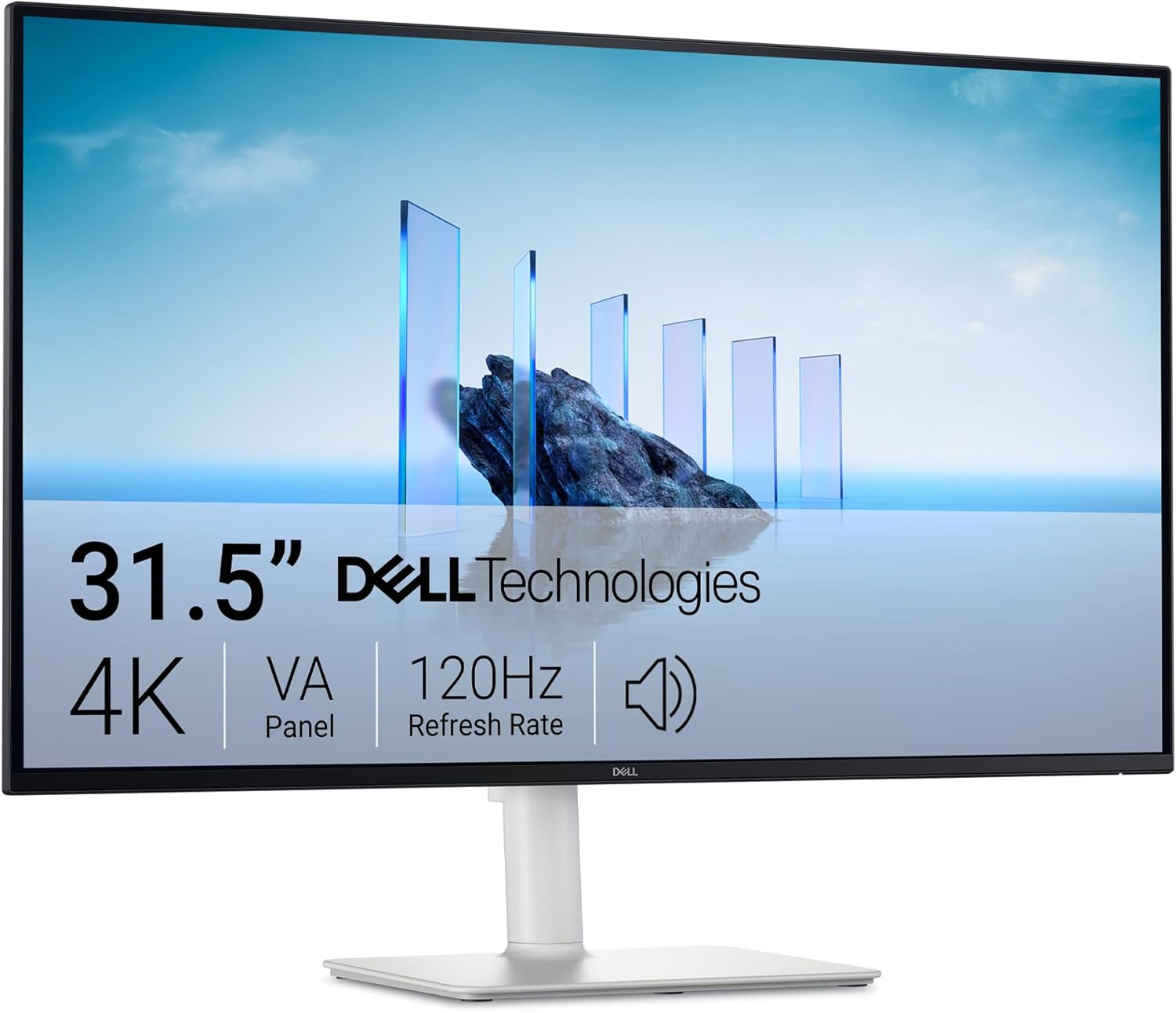
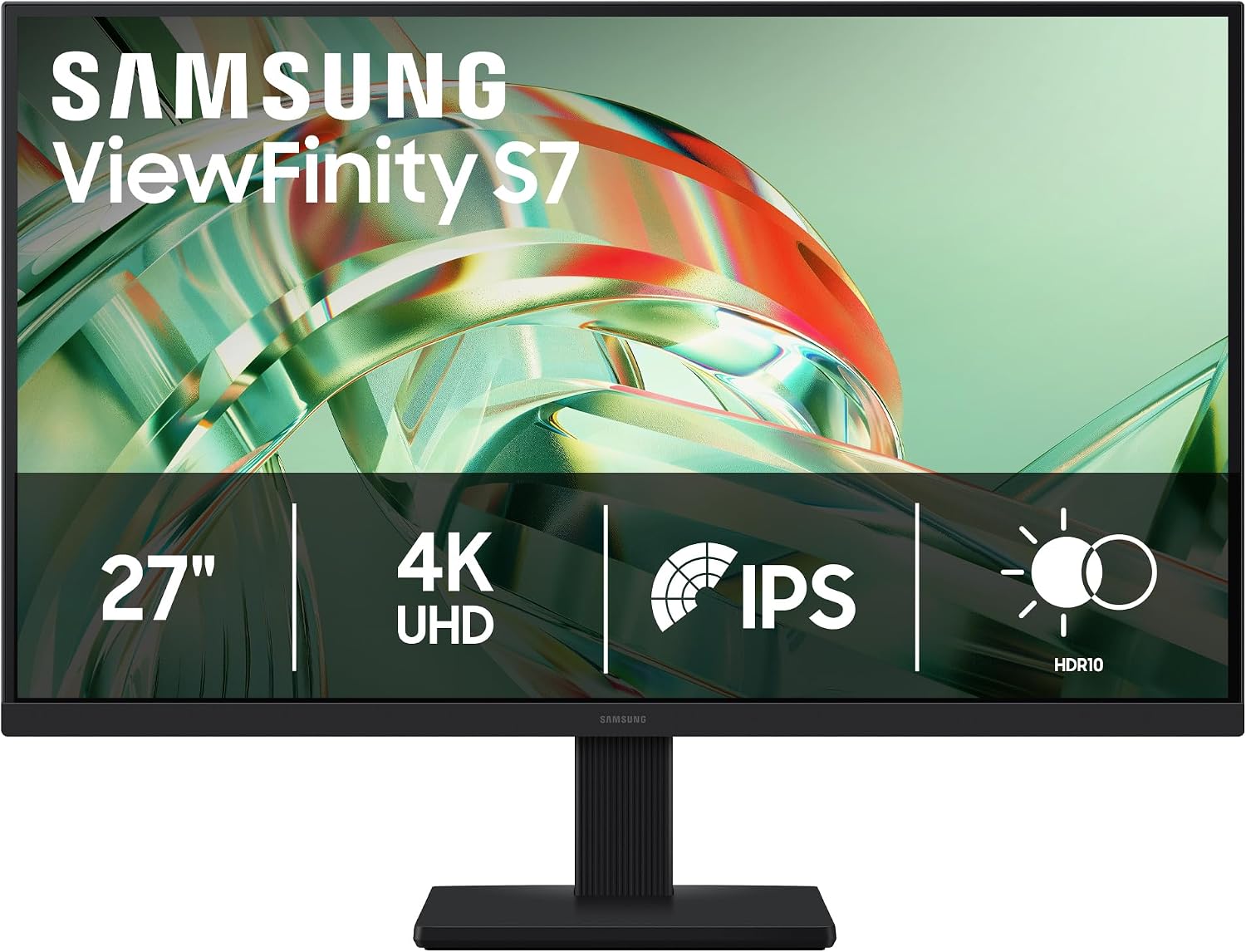
More Verified Gaming Monitor Deals Checked This Morning
Our pricing engine monitors live gaming monitor discounts continuously across major retailers. Here are other top values available today:
Compare All Gaming Monitor Deals
Check real-time prices on 1080p, 1440p, 4K, and 240Hz/360Hz gaming monitors across Amazon, Best Buy, and Newegg with verified price drops.
Browse All Monitor Deals→