
27" QD-OLED vs. 27" Fast IPS: Is OLED Worth 2x the Price?
27" QD-OLED vs. 27" Fast IPS is the ultimate gaming monitor dilemma. We analyze infinite contrast ratios vs. 1,000:1 IPS glow, 0.03ms instantaneous response times vs. 1ms-3ms Fast IPS, genuine per-pixel HDR vs. edge-lit HDR400, burn-in risk and text fringing, ambient room lighting behavior, and live retail pricing across Amazon, Best Buy, and Newegg.
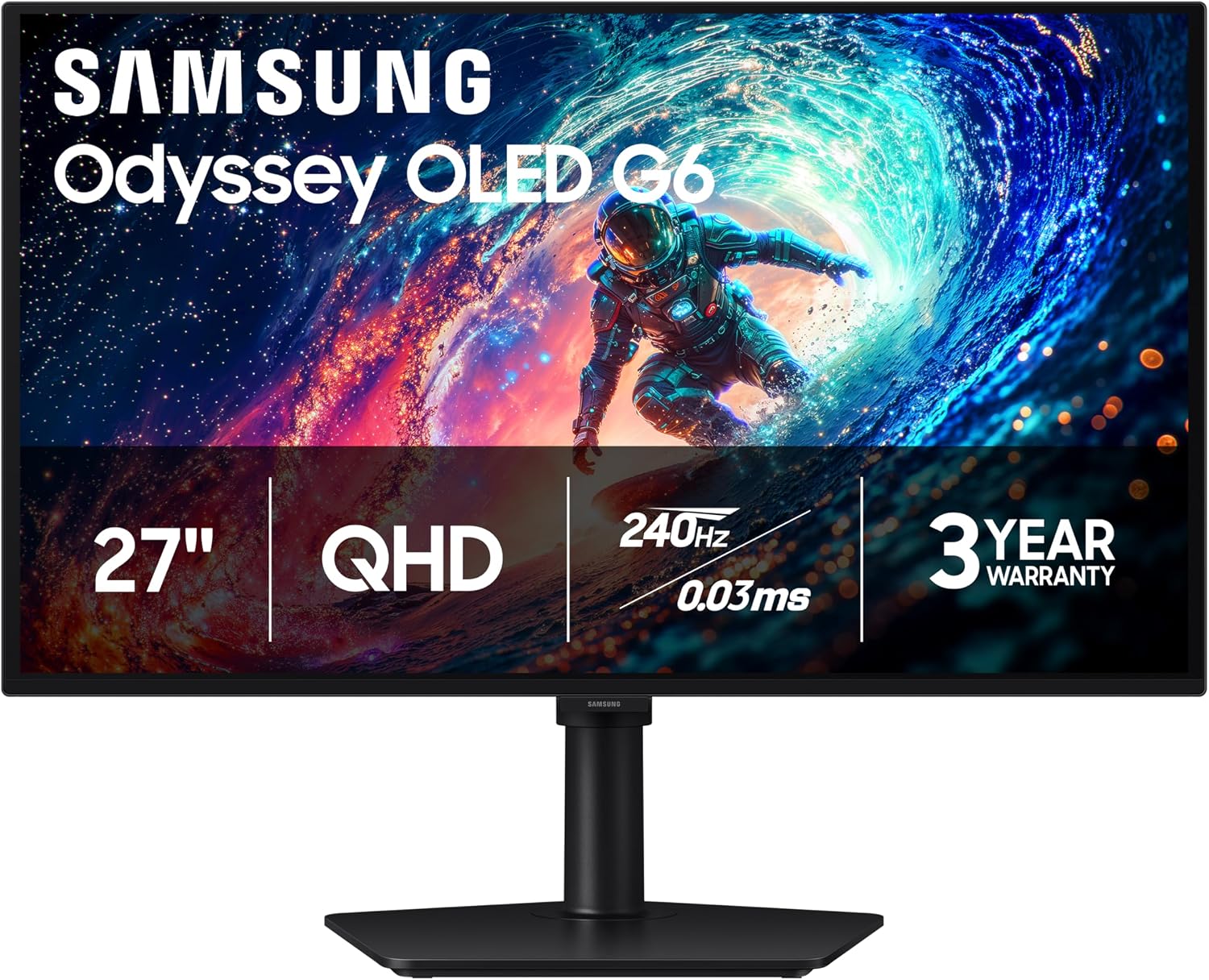
Samsung 27" Odyssey OLED G6 (G61SH) QD-OLED, QHD (1440P) Gaming Monitor
Self-emissive quantum dot organic LEDs. Individual pixels turn completely off for true zero-nit black levels, jaw-dropping per-pixel HDR contrast, and near-zero 0.03ms motion clarity.
- Contrast Ratio: Infinite:1 (0.0005 nits true black)
- Pixel Response Time: 0.03 ms GtG (Instantaneous)
- Color Volume: 99% DCI-P3 + ~80% Rec. 2020
- HDR Performance: True per-pixel HDR (1,000 nits peak)
- Trade-Offs: Burn-in risk, text fringing, ambient purple glare
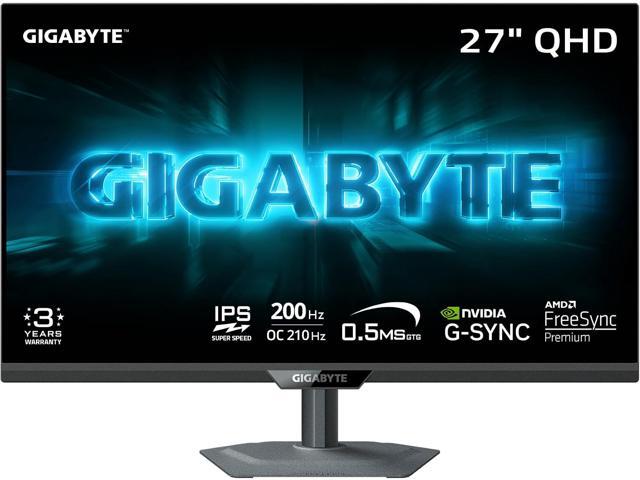
GIGABYTE - G27Q20 - 27" SuperSpeed IPS Gaming Monitor - QHD 2560 x 1440 - 200 Hz/OC 210 Hz - 0.5ms GTG - AMD FreeSync Premium, G-SYNC Compatible - HDMI, DP - Height and Tilt Adjustable - Black
The reliable workhorse of PC gaming. Features zero burn-in risk for 8-hour desktop workdays, razor-sharp RGB text clarity, matte anti-glare reflection handling, and costs less than half the price.
- Contrast Ratio: 1,000:1 – 1,350:1 (IPS glow in dark rooms)
- Pixel Response Time: 1.0 – 3.5 ms GtG (Real-world)
- Burn-In Immunity: 100% immune (Static UI safe forever)
- Text Sharpness: Standard RGB stripe (Crisp Windows fonts)
- Bright Room Performance: Deep matte anti-glare coating
The Verdict: Is QD-OLED Worth 2x to 3x the Price?
Yes, but strictly for the right user and environment. If you game primarily in the evenings or in a light-controlled room, QD-OLED provides a transformative generational leap that makes traditional LCD monitors look broken. The instant 0.03ms pixel response eliminates all ghosting, while true per-pixel blacks and explosive Quantum Dot HDR highlights create three-dimensional depth that no IPS panel can simulate.
However, Fast IPS remains the smarter and more practical purchase for 75% of PC owners. At $180–$230, Fast IPS costs one-third as much as QD-OLED ($600–$800+), has zero burn-in anxiety for 8-hour daily work/coding shifts, features superior text clarity for reading, and is immune to the purple raised blacks caused by ambient room light on QD-OLED panels.
1. Infinite Contrast vs. IPS Glow: The Dark Room Revolution
The most immediately striking difference between these two technologies is contrast ratio:
27" QD-OLED: Infinite Contrast (0.0005 nits)
Because each subpixel is its own microscopic light source, pixels showing black simply shut off completely. In games like Cyberpunk 2077, Alan Wake 2, or Dead Space Remake, dark corridors are genuinely pitch black, with neon lights cutting through without a single trace of blooming, haloing, or backlight bleed.
27" Fast IPS: 1,000:1 – 1,350:1 Contrast
IPS panels rely on a continuous global LED backlight shining through liquid crystals. Even high-tier Fast IPS panels (like the Dell G2724D) struggle to fully block light. In a dark room, black scenes appear as a hazy dark gray, and viewing off-angle introduces characteristic yellow/white "IPS glow" in the corners.
2. Motion Clarity: The 0.03ms Instantaneous Pixel Advantage
Marketing boxes love to advertise "1ms GtG" on Fast IPS monitors, but independent oscilloscope testing reveals a very different story:
- Fast IPS Reality (2.5ms to 4.5ms): Liquid crystals physically take time to twist and align to let light through. Under aggressive overdrive settings to achieve ~1ms, Fast IPS suffers from severe "inverse ghosting" or overshoot corona halos behind moving objects.
- QD-OLED Perfection (0.03ms): Organic LEDs switch states almost instantaneously via electrical pulses. Pixel transitions take just 0.03 milliseconds—nearly 100x faster than LCD. Moving text remains perfectly readable while scrolling, fast 180° flick shots in VALORANT and Apex Legends show zero smearing, and there is zero overshoot artifacting. A 240Hz OLED delivers motion clarity comparable to a hypothetical 360Hz–480Hz LCD.
3. HDR Performance: True Per-Pixel Magic vs. Edge-Lit HDR400
If HDR gaming is a primary goal, there is no contest:
On QD-OLED, VESA DisplayHDR True Black 400 / Peak 1000 delivers genuine per-pixel HDR. A torch in a dark cave or an explosion in space can sear at 1,000 nits while the surrounding darkness remains absolute zero. Combined with Quantum Dot color volume (exceeding 80% Rec. 2020), HDR on QD-OLED looks breathtaking.
4. The Real-World Caveats of QD-OLED (Why IPS Still Wins for Work)
Before spending $600–$800 on QD-OLED, you must weigh these four distinct physical limitations:
🔥 1. Burn-In Anxiety
Static UI elements—like the Windows taskbar, browser tabs, VS Code sidebars, and productivity toolbars—cause uneven subpixel wear over time. While modern panels include 3-year warranties and pixel-clean cycles, Fast IPS is 100% immune forever.
🔤 2. Text Fringing
QD-OLED uses a triangular subpixel arrangement rather than standard RGB stripes. This causes subtle green and magenta color fringing along fine black text in Windows. Fast IPS delivers far sharper, fatigue-free reading for office work.
☀️ 3. Ambient Light & Purple Blacks
QD-OLED panels omit a polarizer layer to boost peak light emission. In bright, sunlit rooms, ambient light reflects off the quantum dots, causing blacks to appear purplish-gray. Fast IPS with matte coating handles bright rooms with ease.
💰 4. The Price Gap
At $180–$230, Fast IPS leaves $400 to $600 in your pocket. That savings can upgrade an RTX 4060 GPU to an RTX 4070 Ti Super—giving you more actual in-game frames than an OLED monitor can.
Side-by-Side Specification Matrix
| Specification | 27" QD-OLED (1440p) | 27" Fast IPS (1440p) |
|---|---|---|
| Display Technology | Self-Emissive Quantum Dot OLED | Transmissive Fast IPS LCD with W-LED |
| Contrast Ratio | Infinite:1 (True 0.0005 nits) | 1,000:1 – 1,350:1 (Gray blacks) |
| Pixel Response Time (GtG) | 0.03 ms (Near instantaneous) | 1.0 – 4.0 ms (Real-world average) |
| Motion Blur & Overshoot | Zero ghosting, zero overshoot | Minor blur, overshoot on fast overdrive |
| HDR Performance | True per-pixel HDR (Peak 1,000 nits) | Fake edge-lit HDR400 (Washed out) |
| Color Gamut (DCI-P3) | 99% DCI-P3 + ~80% Rec. 2020 | 90% – 95% DCI-P3 (99% sRGB) |
| Backlight Bleed & Glow | Zero bleed, zero IPS glow | Visible corner IPS glow in dark rooms |
| Burn-In Risk | Moderate risk with static UI (8hr work) | Zero risk (100% immune) |
| Subpixel Text Clarity | Triangular subpixel (Fringing visible) | Standard RGB stripe (Crystal clear) |
| Bright Sunny Room Performance | Purple raised blacks under direct light | Matte anti-glare handles sun well |
| Daily Productivity & Coding | Care required (Hide taskbar, pixel shift) | Flawless workhorse, zero maintenance |
| Refresh Rates Available | 240Hz, 360Hz | 165Hz, 180Hz, 240Hz |
| Typical Street Price | $599 – $799+ | $179 – $229 ($400+ Savings) |
🏆 Buy 27" QD-OLED if:
- You game primarily in dark or light-controlled rooms in the evenings.
- You want true HDR with deep inky blacks in games like Cyberpunk or Alan Wake 2.
- You are a competitive esports player demanding zero-ghosting 0.03ms motion clarity.
- You have the budget ($600–$800+) and already have a top-tier GPU (RTX 4070 Ti / 4080).
- You don't mind basic OLED care routines (auto-hide taskbar, screen timeout).
💼 Buy 27" Fast IPS if:
- You use your PC for 8+ hours daily of office work, spreadsheets, or coding.
- You want 100% peace of mind with zero burn-in anxiety forever.
- Your desk sits in a brightly lit room with windows or overhead lighting.
- You demand razor-sharp text rendering without color fringing.
- You want to save $400 to $600 to invest in a faster graphics card or CPU.
Frequently Asked Questions
Is OLED burn-in still a real concern in modern monitors?
For pure gaming and media consumption, burn-in risk is very low thanks to graphene heatsinks, pixel shifting, and logo brightness limiters. Most major manufacturers (Dell Alienware, MSI, ASUS) now include a 3-year burn-in warranty. However, for users who work 40+ hours a week with static Excel grids, fixed window layouts, and continuous bright desktop apps, organic pixel degradation is still physically cumulative over 3–5 years.
Why do QD-OLED monitors look purplish in bright rooms?
To maximize peak brightness, QD-OLED panels do not include a traditional internal polarizing filter. When direct ambient light hits the Quantum Dot layer, it reflects and excites the subpixels slightly, causing true blacks to appear dark purple or grayish. In bright sunny rooms, a Fast IPS or WOLED panel preserves perceived black levels better.
Should I upgrade my GPU or my monitor first?
If your graphics card is an RTX 4060 or older, we strongly recommend buying a $180–$220 Fast IPS monitor and using the $500 savings to upgrade to an RTX 4070 Super or RX 7800 XT first. Driving a high-refresh 1440p QD-OLED requires serious GPU horsepower to deliver the high frame rates that make OLED shine.
More Verified Gaming Monitor Deals Checked This Morning
Our pricing engine monitors live gaming monitor discounts continuously across major retailers. Here are other top values available today:
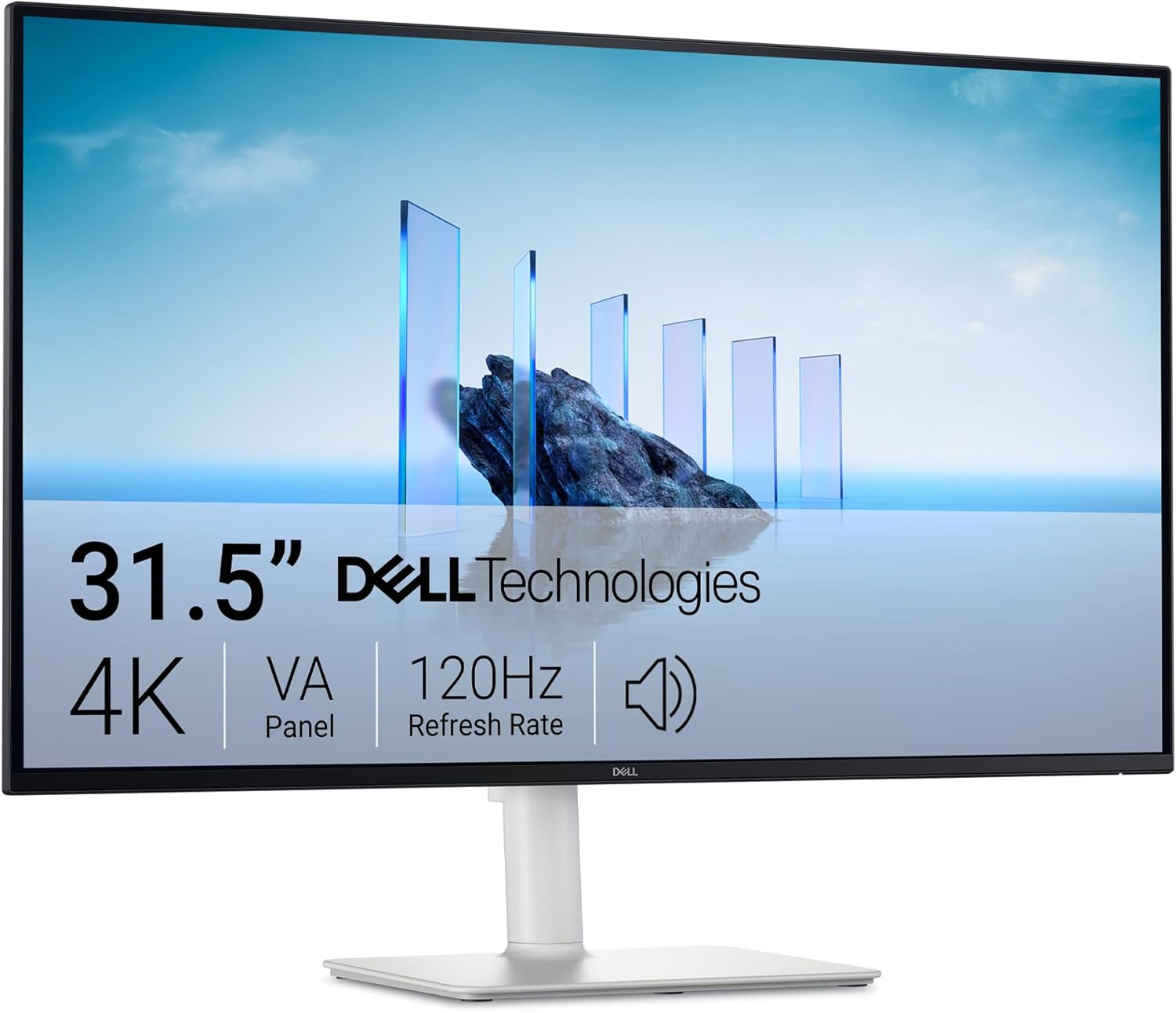
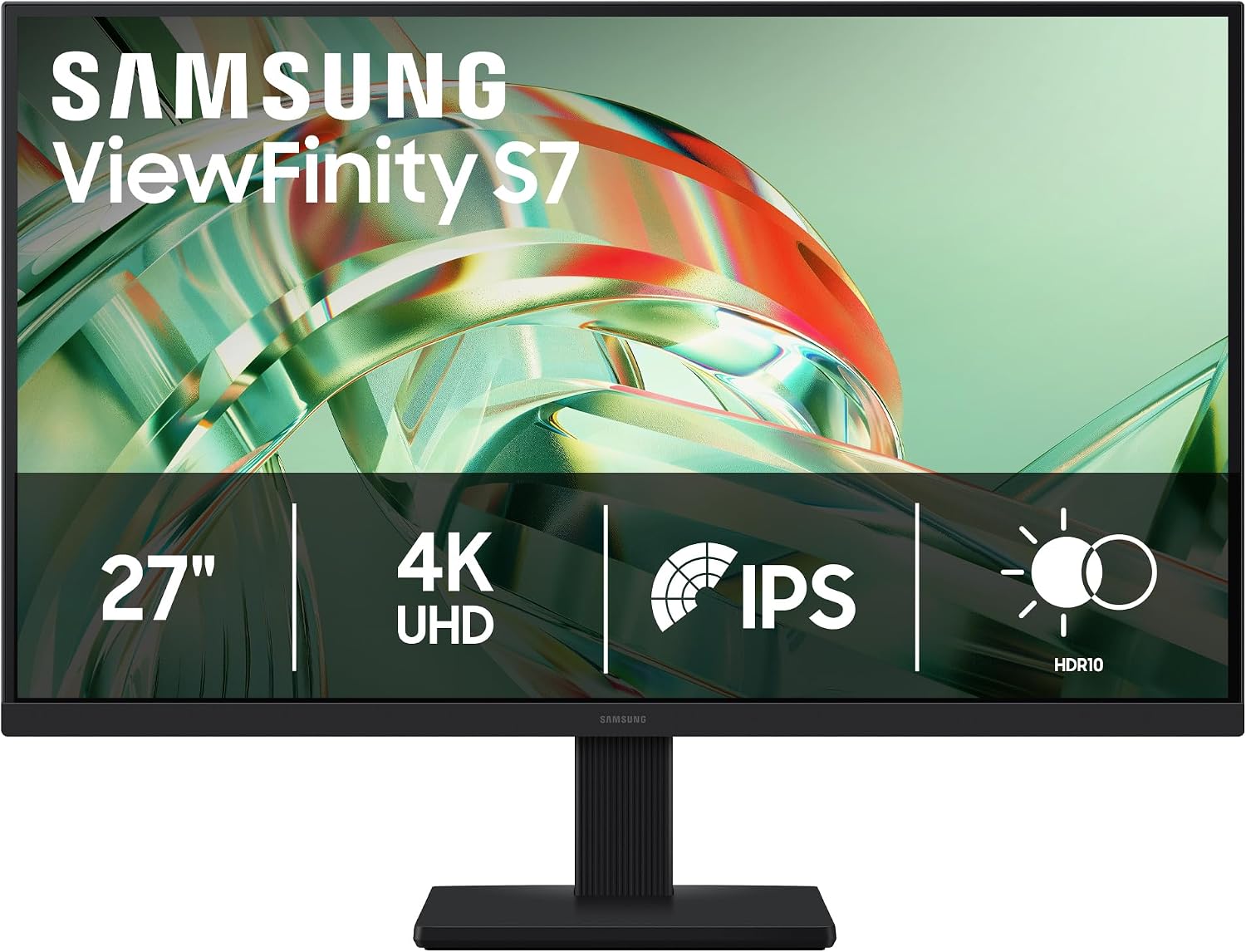
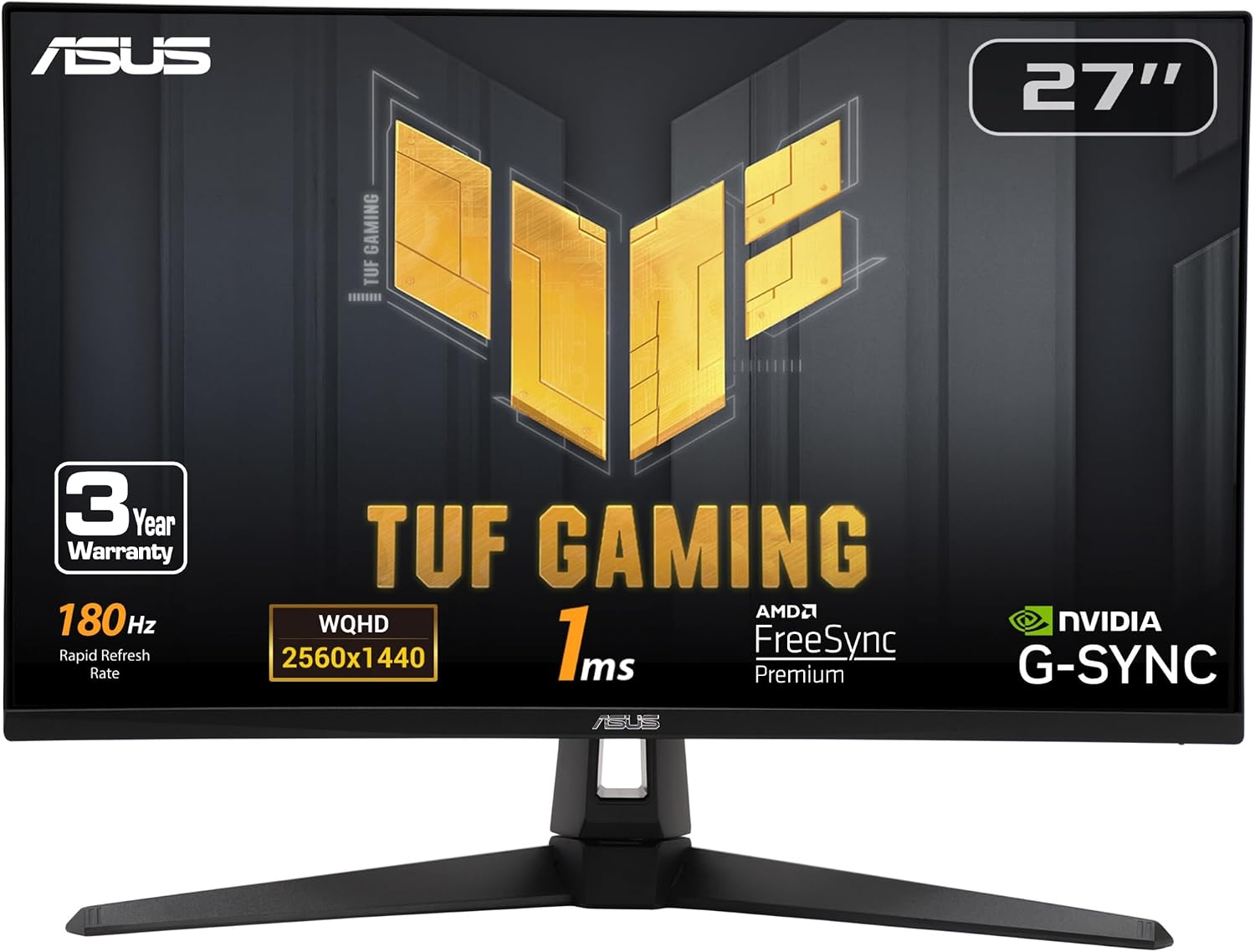
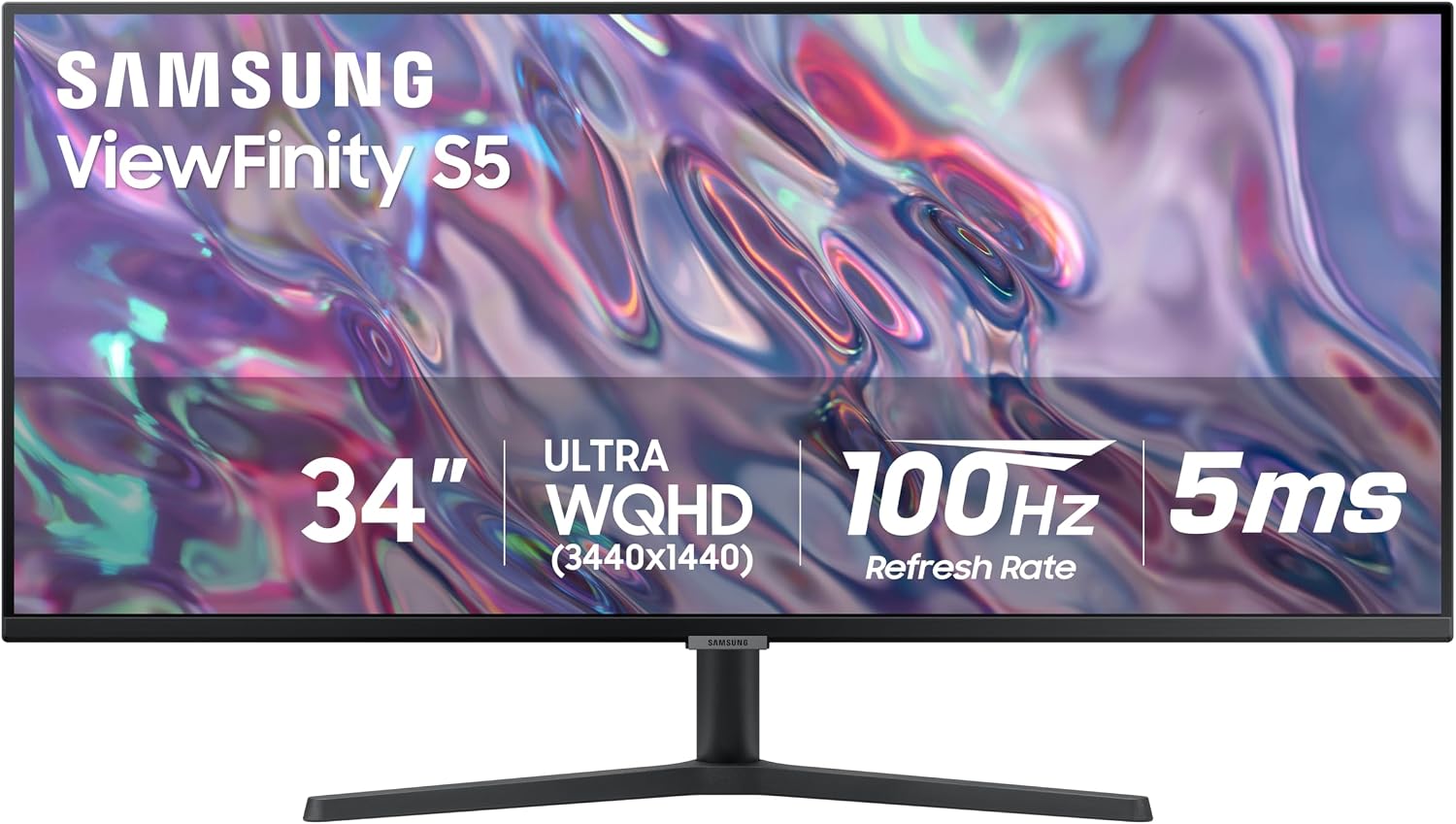
Compare All Gaming Monitor Deals
Check real-time prices on 1440p Fast IPS, QD-OLED, and 4K high-refresh displays across Amazon, Best Buy, and Newegg with verified price drops.
Browse All Monitor Deals→