iPad (10th Gen) vs. iPad Air (M2): Which Budget Should You Pick?
Choosing between the iPad (10th Gen) and the iPad Air (M2) is the ultimate tablet budget dilemma. With the 10th Gen sitting at $299–$349 and the Air M2 starting at $549–$599, does the laminated anti-reflective P3 screen, M2 chip with Apple Intelligence, Apple Pencil Pro support, and Stage Manager justify spending an extra $200–$250? We break down the real-world daily differences and live pricing across Best Buy, Amazon, and Newegg.
iPad (10th Gen) Wins on Everyday Value ($299–$349); iPad Air M2 Wins for Apple Intelligence, Digital Drawing & Desktop Multitasking
For 85% of tablet users—including families, students taking lecture notes, media streamers, and casual gamers—the iPad (10th Gen) is the undisputed value champion. When discounted to $299–$349, it gives you Apple's modern flat-edge design, a bright 10.9-inch screen, landscape Center Stage video calling, USB-C convenience, and 10 hours of battery life. Spending an extra $200–$250 on the Air is unnecessary if your primary uses are Netflix, YouTube, reading, recipes, and web browsing.
However, the $549–$599 iPad Air (M2) is worth every penny for creators and power users. It provides five game-changing upgrades: (1) Apple Intelligence support powered by the M2 chip and 8GB of RAM (the 10th Gen's 4GB RAM cannot run Apple Intelligence); (2) A fully laminated anti-reflective P3 screen with zero hollow tapping noise; (3) Magnetic Apple Pencil Pro wireless charging with squeeze and haptic gestures; (4) Stage Manager with full external monitor desktop extension; and (5) 20x faster USB-C data transfers (10 Gbps vs. 480 Mbps).
Live Price Face-Off: Today’s Verified Retailer Deals
Our pricing engine compares inventory and live promotional discounts across Amazon, Best Buy, and Newegg every morning. Below are today's lowest verified prices for both iPads:
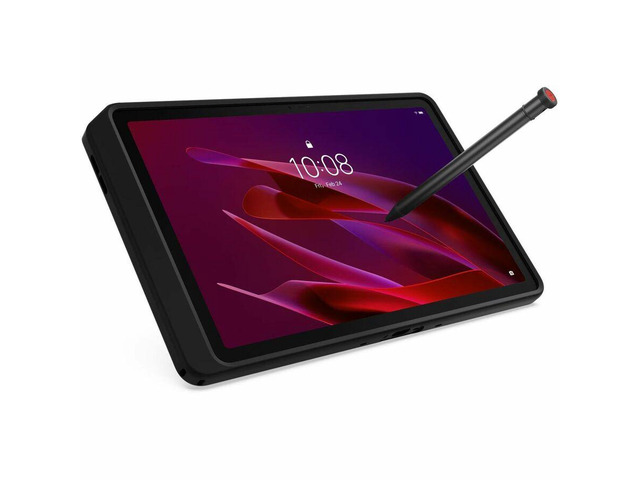
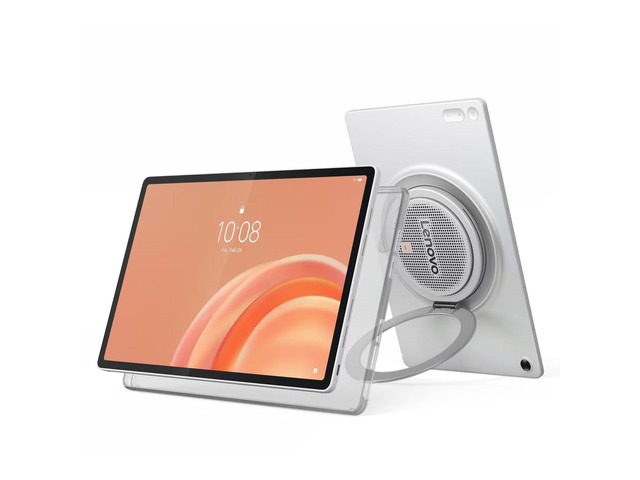
Lenovo ThinkTab X11 Tablet, 10.95" IPS 600 nits,8GB, 128GB,Android 16 Or Later
Apple's quintessential family and student tablet featuring a 10.9-inch Liquid Retina display, landscape 12MP Center Stage camera, USB-C port, and Touch ID power button.
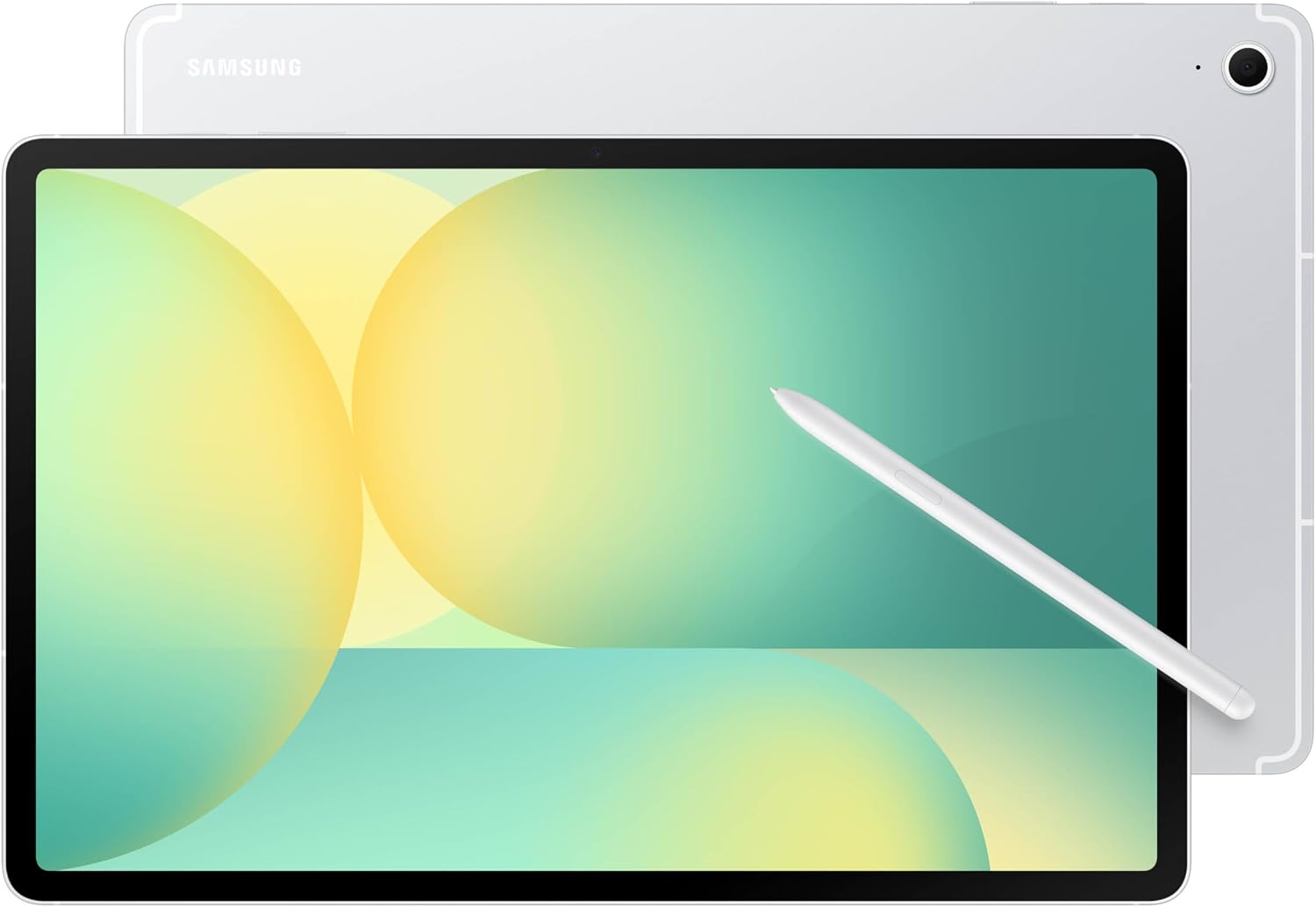
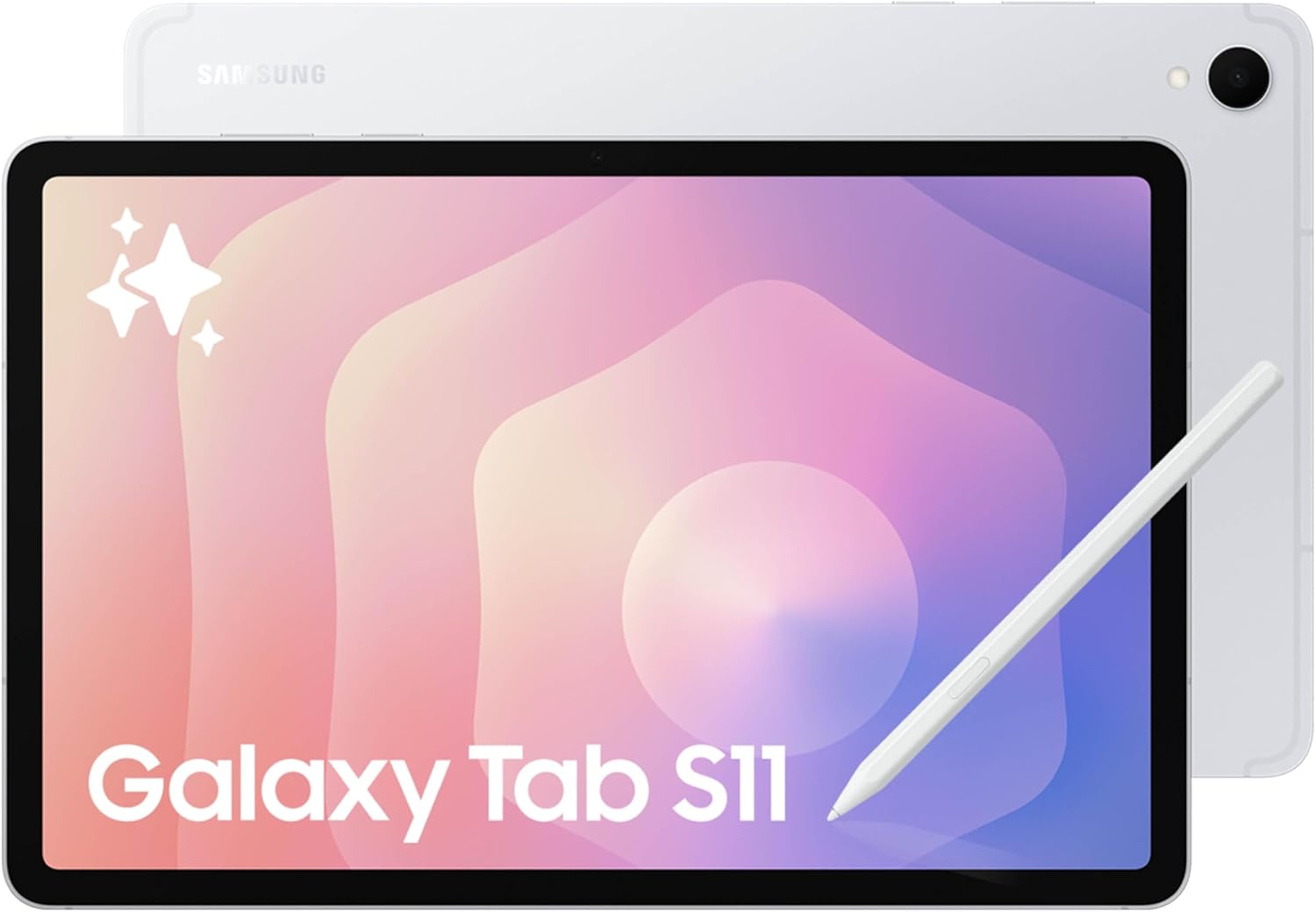
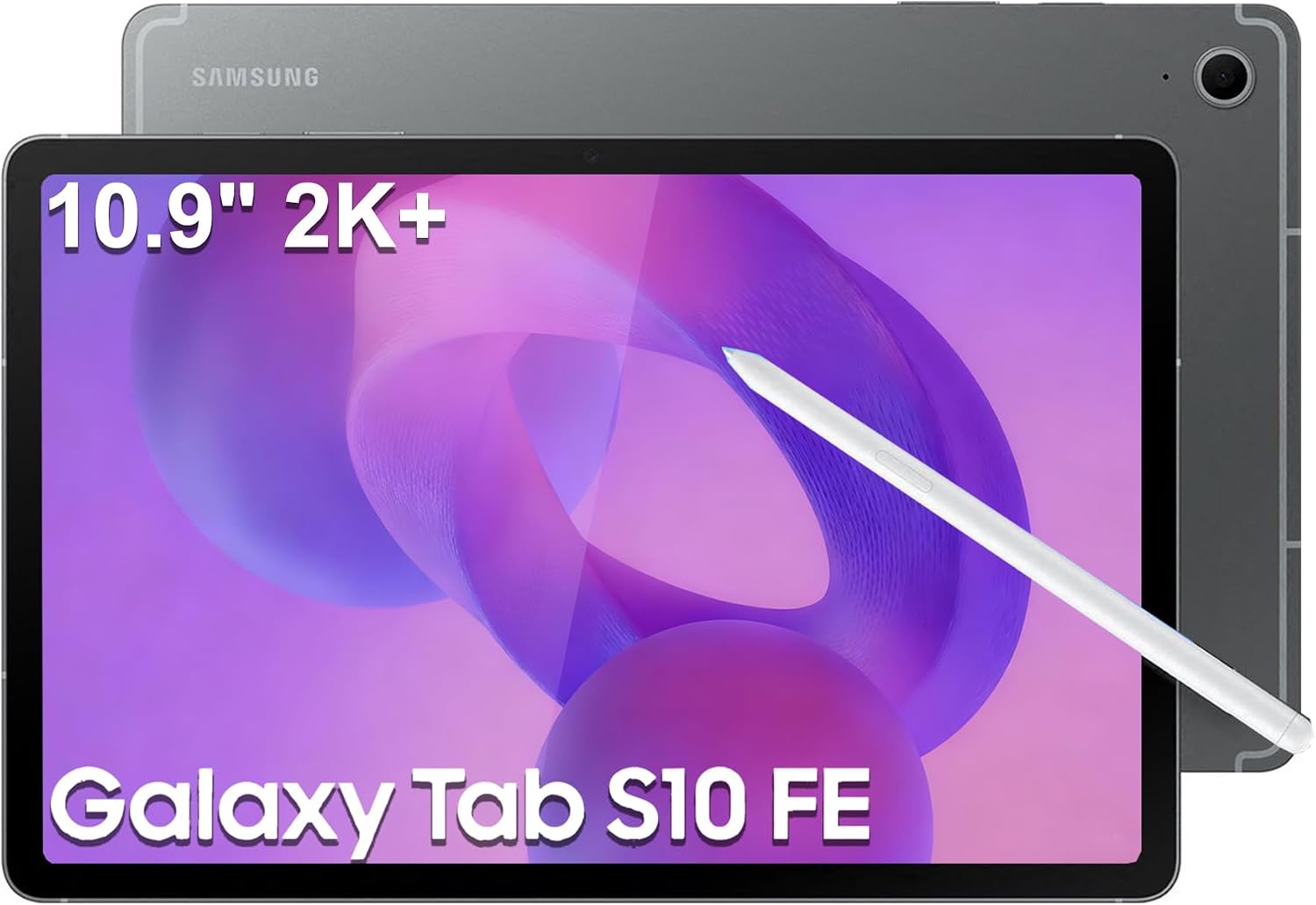
Samsung Galaxy Tab S10 FE+ 13.1” 256GB WiFi Android Tablet, Silver
Powerhouse creative tablet powered by the M2 chip, featuring a fully laminated anti-reflective P3 display, Apple Pencil Pro wireless dock, Stage Manager, and 10 Gbps USB-C.
⚡ Quick Verdict: Which iPad Fits Your Budget?
You want the best tablet under $350 on the market. For streaming Disney+/YouTube, reading Kindle books, browsing with Safari, checking emails, FaceTime calls with Center Stage, and homework notes, the 10th Gen is smooth, reliable, and saves you $200–$250.
You want Apple Intelligence, create digital art in Procreate with Apple Pencil Pro, write heavily with a stylus and want a quiet laminated anti-reflective screen, use Stage Manager on a 4K desktop monitor, or transfer 4K video files over high-speed 10 Gbps USB-C.
1. The Display Difference: Laminated vs. Non-Laminated Glass
Side by side, the most obvious tactile and visual difference between these two tablets is how the display is manufactured:
- iPad (10th Gen) Non-Laminated Display: The 10.9-inch Liquid Retina panel has a tiny microscopic air gap between the top cover glass and the actual LCD touch sensor beneath it. When you tap the screen with a fingernail or stylus, it produces a distinct, slightly hollow "thock" acoustic sound. Furthermore, it lacks an anti-reflective coating, so fluorescent office lighting, classroom fixtures, or outdoor sunlight cause noticeable reflections. It covers standard sRGB color.
- iPad Air (M2) Fully Laminated Display: The 11.0-inch Liquid Retina screen eliminates the air gap entirely through optical bonding. The LCD panel, touch digitizer, and cover glass are fused into a single seamless layer. Pixels look like they are printed directly on the glass surface. It includes an anti-reflective coating that cuts glare by over 50% and supports the P3 wide color gamut (25% more colors than sRGB).
Why this matters: If you write notes with an Apple Pencil for hours every day or draw digital artwork, the laminated screen on the Air M2 feels substantially more natural, paper-like, and quiet. If you primarily tap with your fingers to watch movies and read articles, the 10th Gen's non-laminated screen is perfectly bright and sharp.
2. Silicon & RAM: A14 Bionic (4GB) vs. M2 (8GB) & Apple Intelligence
Under the hood, the two tablets represent two entirely different computational tiers:
Processor & Memory Realities
- iPad 10th Gen: Apple A14 Bionic (5nm, 6-core CPU, 4-core GPU) paired with 4GB of RAM. Geekbench 6 scores: ~2,110 single-core / ~4,820 multi-core.
- iPad Air M2: Apple M2 (5nm N5P, 8-core CPU, 9-core GPU) paired with 8GB of Unified Memory with 100 GB/s bandwidth. Geekbench 6 scores: ~2,610 single-core / ~10,050 multi-core.
The Apple Intelligence Factor: Apple requires a minimum of an M-series chip and 8GB of RAM to run its generative AI suite locally on-device. The iPad 10th Gen, with only 4GB of RAM, will never support Apple Intelligence features such as Writing Tools, Image Playground, Genmoji, Clean Up photo editing, or the contextually aware Siri. If future-proofing for AI matters to you, the iPad Air M2 is mandatory.
3. The Apple Pencil Experience: Apple Pencil Pro vs. USB-C Dongles
Stylus support is one of the most confusing aspects of the iPad lineup. Here is what you need to know:
- iPad 10th Gen Stylus Limitations: The 10th Gen does not have a magnetic charging dock on its side rail. It supports the affordable Apple Pencil (USB-C) ($79), which slides open to charge via a physical USB-C cable and lacks pressure sensitivity. It also supports the legacy 1st Gen Apple Pencil, but requires an awkward USB-C-to-Lightning adapter to pair and charge. Neither pencil supports squeeze gestures or barrel roll.
- iPad Air M2 Cutting-Edge Stylus Support: The Air M2 features a magnetic charging rail on the side that wirelessly snaps, pairs, and charges the Apple Pencil Pro ($129). The Pencil Pro includes a built-in gyroscope for barrel roll (rotating flat brushes in Procreate), a squeeze sensor to pull up tool palettes instantly, a custom haptic engine that pulses when you interact, pressure sensitivity, and Apple Pencil hover.
For digital artists, calligraphers, architects, and designers, the iPad Air M2 with Apple Pencil Pro is in a completely different league.
4. Multitasking & External Monitor Support: Stage Manager vs. 4:3 Mirroring
If you envision using your tablet as a portable laptop replacement with an external display:
- iPad 10th Gen: When connected to an external monitor via USB-C, the 10th Gen can only mirror its internal display in a 4:3 aspect ratio, leaving thick black pillarbox bars on modern 16:9 or 21:9 monitors. It is limited to standard Split View and Slide Over multitasking.
- iPad Air M2: Supports full Stage Manager with true external display extension up to 6K resolution at 60Hz. You can drag and drop floating resizable app windows across your iPad screen and an external monitor, running up to 8 apps simultaneously.
5. USB-C Port Transfer Speeds: 480 Mbps vs. 10 Gbps (20x Faster)
Both iPads use a USB-C charging port, but their underlying controller bandwidth is drastically different:
- iPad 10th Gen: Restricted to USB 2.0 speeds (up to 480 Mbps). Moving a 10GB 4K video file to or from an external SSD takes nearly 3.5 minutes.
- iPad Air M2: Features USB 3.1 Gen 2 speeds (up to 10 Gbps). That same 10GB video file transfers in roughly 10 seconds.
If you frequently back up photos from SD card dongles or edit video projects directly off fast NVMe external drives, the Air M2 saves immense amounts of time.
6. Everyday Commonalities: Battery, Cameras, and Keyboard Accessories
- Battery Longevity: Both tablets deliver Apple's standard 10 hours of video playback or wireless web surfing on a single charge.
- Landscape Front Camera: Both feature a 12MP Ultra Wide front camera located on the long landscape edge with Center Stage, keeping you centered in Zoom, Teams, and FaceTime calls.
- Audio: Both sport landscape stereo speakers with two speaker grills that deliver clear, balanced audio for YouTube and movies.
- Keyboard Folios: The iPad 10th Gen pairs with the Magic Keyboard Folio ($249) with a kickstand and function row. The iPad Air M2 pairs with the classic Magic Keyboard ($299) with a floating cantilever hinge and USB-C pass-through charging.
Detailed Side-by-Side Spec Comparison
Here is how the Apple iPad (10th Generation) and iPad Air 11-inch (M2) compare across every major technical metric:
| Specification | Apple iPad (10th Gen) | Apple iPad Air 11" (M2) |
|---|---|---|
| Display Size & Resolution | 10.9" Liquid Retina (2360 x 1640, 264 ppi) | 11.0" Liquid Retina (2360 x 1640, 264 ppi) |
| Screen Lamination | Non-Laminated (Noticeable Air Gap) | Fully Laminated (Zero Air Gap) |
| Anti-Reflective Coating | No (Prone to reflections) | Yes (50% Glare Reduction) |
| Color Gamut | sRGB Standard Gamut | P3 Wide Color Gamut |
| Processor (SoC) | Apple A14 Bionic (6-core CPU / 4-core GPU) | Apple M2 (8-core CPU / 9-core GPU) |
| RAM (Memory) | 4 GB LPDDR4X | 8 GB Unified LPDDR5 (100 GB/s) |
| Apple Intelligence | No (Blocked by 4GB RAM ceiling) | Yes (Fully Supported) |
| Stylus Compatibility | Apple Pencil (USB-C) & 1st Gen (Dongle) | Apple Pencil Pro & USB-C |
| Magnetic Wireless Pencil Dock | No (Requires physical cable) | Yes (Auto-Pairing & Wireless Charge) |
| External Display Multitasking | 4:3 Screen Mirroring Only | Stage Manager (Full 6K Desktop Extension) |
| USB-C Transfer Speed | USB 2.0 (Up to 480 Mbps) | USB 3.1 Gen 2 (Up to 10 Gbps, 20x Faster) |
| Base Storage | 64 GB (or 256 GB) | 128 GB (Double the starting capacity) |
| Front Camera | Landscape 12MP Ultra Wide with Center Stage | Landscape 12MP Ultra Wide with Center Stage |
| Battery Life | Up to 10 Hours | Up to 10 Hours |
| Typical Sale Price | $299 – $349 | $549 – $599 (+$200–$250) |
🏆 Buy the iPad (10th Gen) if:
- You want the best budget tablet on the market for streaming, social media, and web browsing.
- You are purchasing for kids, grandparents, or family recipe/video call duty.
- You only take basic lecture notes or annotate PDFs with an inexpensive stylus.
- You want to save $200 to $250 to spend on cases, subscriptions, or travel.
🚀 Buy the iPad Air (M2) if:
- You want Apple Intelligence features and long-term 6+ year OS support.
- You are a digital artist using Procreate and need the Apple Pencil Pro with magnetic charging.
- You draw or write for hours and hate hollow-sounding, non-laminated screens with glare.
- You plan to use it as a laptop replacement with Stage Manager on an external monitor.
Frequently Asked Questions
Is 64GB of storage enough on the iPad 10th Gen?
For everyday use with 20–30 apps, streaming Netflix/Spotify via the cloud, browsing Safari, and reading books, 64GB is sufficient. However, after iPadOS and system files consume ~12GB–15GB, you are left with ~50GB of usable space. If you download large games like Genshin Impact (30GB+) or store offline 4K movies for flights, 64GB will feel cramped quickly. The iPad Air M2 starts at a much more generous 128GB.
Can you use the Apple Pencil Pro on the iPad 10th Gen?
No. The Apple Pencil Pro requires the new magnetic charging architecture found exclusively on the iPad Air (M2) and iPad Pro (M4). The iPad 10th Gen lacks these internal magnetic coils and is physically incompatible with the Apple Pencil Pro and Apple Pencil 2nd Gen. On the 10th Gen, you must use the Apple Pencil (USB-C) or 1st Gen Apple Pencil.
Why doesn't the iPad 10th Gen support Apple Intelligence?
Apple Intelligence requires at least 8GB of unified memory to keep large language and diffusion models resident in RAM while multitasking. The iPad 10th Gen is limited to 4GB of RAM on the A14 Bionic chip, making it technically incapable of running Apple Intelligence models without crashing background applications.
More Verified Tablet Deals Checked This Morning
Our pricing engine monitors live tablet discounts continuously across major retailers. Here are other top values available today: