← Browse tech deals
TECH DEAL COMPASS

Best SSDs Under $100: Top NVMe & SATA Drives for Speed, Reliability, and Value

Upgrading your PC storage or breathing new life into an older laptop doesn't require spending hundreds of dollars. Whether you need an ultra-fast PCIe 4.0 M.2 NVMe drive for gaming and fast boot times or a reliable 2.5-inch SATA SSD to replace a sluggish mechanical hard drive, here are the best solid-state drives under $100 in 2026, along with key spec comparisons and verified daily deals.

The Quick Verdict: What Can You Get for Under $100?

In 2026, $100 is plenty to get a high-speed, reliable solid-state drive. You can secure a blazing 500GB PCIe 4.0 NVMe drive (up to 5,000 MB/s) for modern gaming PCs and laptops, or a dependable 500GB 2.5-inch SATA SSD to transform an older, sluggish computer into a responsive daily workhorse.

The Golden Rule: Prioritize TLC NAND flash over QLC whenever possible, verify whether your motherboard supports M.2 NVMe or legacy 2.5-inch SATA, and look for drives with HMB (Host Memory Buffer) support to enjoy near-DRAM responsiveness without the premium price tag.

Live Verified SSD Deals Under $100 & Value Picks

Our deal scanner checks verified inventory across Amazon, Best Buy, and Newegg every morning. Here are currently active solid-state drive offers meeting our strict reliability, performance, and price-per-gigabyte thresholds:

Step 1: Choose Your Form Factor (M.2 NVMe vs. 2.5" SATA)

Before you compare read speeds and brands, the first non-negotiable step is confirming what physical connection your computer actually supports:

MODERN STANDARD

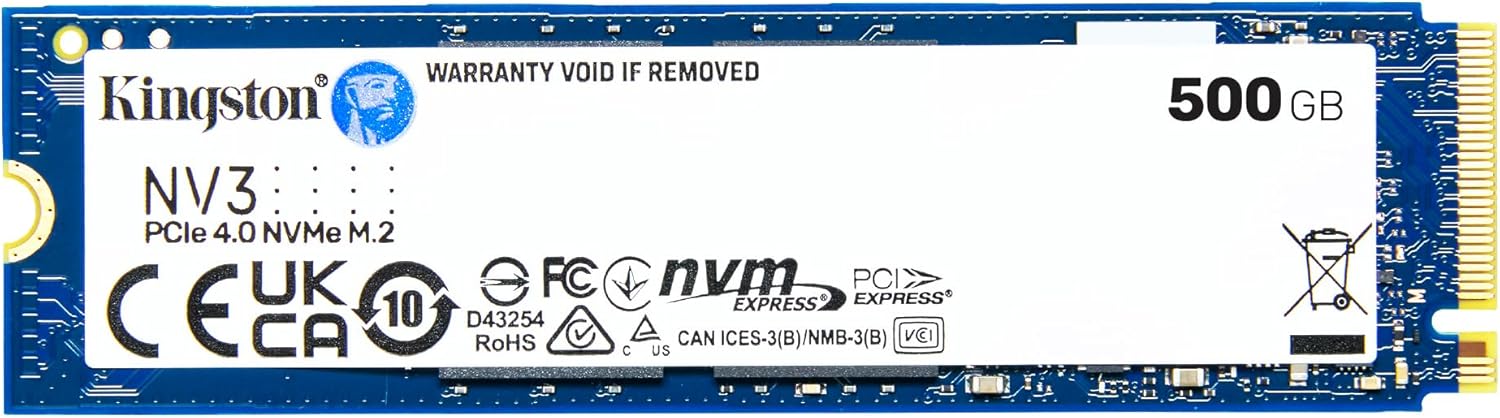
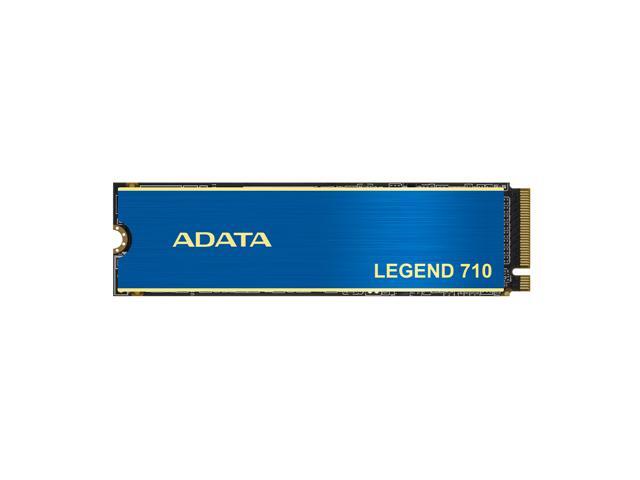
M.2 2280 NVMe

Best For: Modern desktops, gaming laptops built after 2019, mini PCs, and PlayStation 5 consoles.

  • Shape: Resembles a thin stick of chewing gum (22mm wide by 80mm long). Screws directly onto the motherboard without any cables.
  • Speed: 3,500 to 7,400 MB/s via PCIe 4.0. Up to 12x faster than SATA.
  • Requirement: Motherboard must have an M.2 slot keyed for M-key NVMe.
LEGACY & REVIVAL

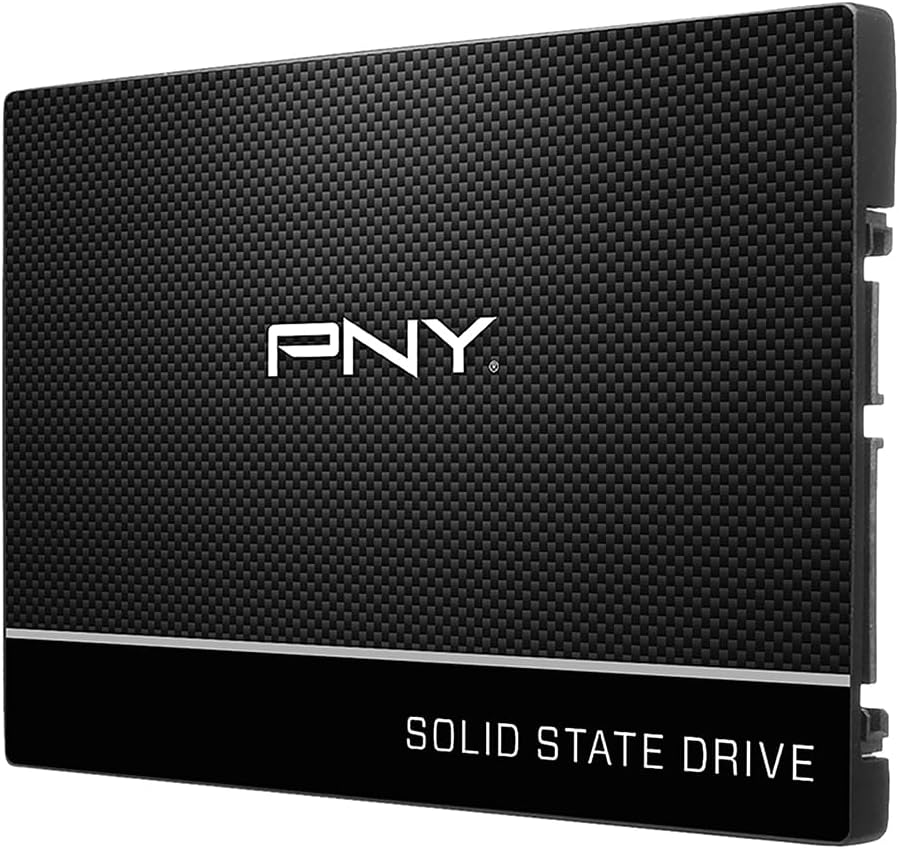
2.5-Inch SATA III

Best For: Reviving older laptops, desktop PC secondary drives, and upgrading spinning hard disk drives (HDDs).

  • Shape: Enclosed metal/plastic drive roughly the size of a deck of playing cards (7mm thickness). Connects via standard SATA data and power cables.
  • Speed: Capped by the SATA III interface at ~550 MB/s. Still 5x faster than mechanical spinning disks.
  • Requirement: Standard SATA drive bay. Universally compatible with virtually all pre-2020 computers.

Step 2: The 4 Non-Negotiable Specs to Check Under $100

Budget SSDs are not created equal. To avoid purchasing a drive that degrades quickly or overheats, check these four hardware checkpoints before buying:

FeatureWhat to Look For Under $100Why It Matters
NAND Flash TypeTLC (3 bits per cell)TLC provides 3x higher write endurance and maintains 500+ MB/s sustained writes after SLC cache fills. Avoid QLC on primary boot drives.
DRAM & CacheHMB (Host Memory Buffer)Dedicated on-board DRAM adds $25–$40 to cost. Modern HMB uses 64MB of system RAM over PCIe for mapping tables, giving 95% of DRAM snappiness at a lower price.
Interface SpeedPCIe 4.0 x4 (3,500 – 5,000 MB/s)PCIe 4.0 NVMe drives are backward-compatible with PCIe 3.0 slots, ensuring your drive will run at full speed if you upgrade motherboards later.
Write Endurance300+ TBW (per 500GB/1TB)Terabytes Written (TBW) measures lifespan. 300 TBW equals writing 80GB of data every single day for 10 consecutive years before memory cells wear out.

Can You Use an Under-$100 SSD for PlayStation 5?

Yes, you can expand your PS5 console storage for under $100! However, Sony has three mandatory hardware rules:

  • 1. PCIe 4.0 x4 M.2 NVMe: PCIe 3.0 drives are physically rejected and will not allow the console to format. Drives like the Kingston NV3 pass Sony's format check without issues.
  • 2. Mandatory Heatsink: The PS5 M.2 expansion bay has zero direct active fan airflow. An uncooled NVMe drive will thermal throttle within 20 minutes of gameplay. You must buy a model with a heatsink or add a $8 low-profile aftermarket heatsink.
  • 3. Height Limit (11.25mm): The total thickness of the SSD plus heatsink cannot exceed 11.25mm (maximum 8mm above board and 2.45mm below board), or the metal console cover cannot close.

5 Costly Mistakes to Avoid When Buying a Budget SSD

  1. Falling for “2TB for $29” Marketplace Scams: Unbranded marketplace listings claiming multi-terabyte drives for under $30 use hacked flash controllers that loop memory addresses. The moment you write more than 32GB, your older files and photos are silently overwritten and destroyed. Stick to verified manufacturers (Kingston, Crucial, Western Digital, Samsung, PNY, Lexar).
  2. Filling the Drive Past 80%: Solid-state drives require free space to manage garbage collection, wear-leveling, and dynamic SLC caching. When filled past 85%, write speeds can plummet from 5,000 MB/s down to 150 MB/s. Always leave 15–20% of your drive free.
  3. Buying M.2 SATA Instead of M.2 NVMe: M.2 is just a physical connector, not a protocol. Older M.2 SATA drives have two notches (B+M key) and max out at 550 MB/s. Modern NVMe drives have a single notch (M-key) and run up to 7,000 MB/s. Ensure your purchase specifies “NVMe PCIe”.
  4. Overpaying for PCIe 5.0 in a Budget Build: Gen5 SSDs cost $200+ and run scorching hot, often requiring noisy miniature fans. In real-world Windows boot times and game load screens, PCIe 5.0 is less than 0.5 seconds faster than a standard PCIe 4.0 drive. Save your money.
  5. Forgetting the Tiny M.2 Motherboard Screw: Motherboard M.2 slots use an ultra-fine M2x3mm mounting standoff screw. If you are building a new PC or upgrading an older board, make sure you have the motherboard accessory bag or purchase a $4 mounting kit.

The Bottom Line Recommendation