← Browse tech dealsTECH DEAL COMPASS
Choose a monitor that fits your desk
Before paying for extra inches or more pixels, start with a tape measure. Desk depth, viewing distance, and stand geometry dictate your day-to-day comfort, posture, and optical clarity. Here is how to choose the right screen size, resolution, and mounting setup for your workspace—backed by live, verified monitor deals from our catalog.
Tech Deal Compass editorial · Desk Fit & Ergonomics Guide (Updated October 19, 2026) · 7 min read
The Golden Rule: Desk Depth Dictates Screen Size
Buying the largest screen on sale is the most common mistake desk workers make. If your desk is only 24 inches deep, a 32-inch screen sits mere inches from your nose, forcing constant neck panning and causing eye strain.
Quick Sizing Guide: Shallow desks (20"–24" depth) pair best with 21.5" to 24" 1080p panels; standard desks (26"–30" depth) hit the sweet spot with 27" 1440p or 4K displays; deep desks (32"+ depth) accommodate 32" 4K or 34"–40" curved ultrawides.
Desk Depth vs. Screen Size vs. Resolution Matrix
Before you compare refresh rates or color gamuts, verify how much physical depth your workspace provides from the back wall to your seated eye position:
| Desk Depth Range | Ideal Screen Size | Recommended Resolution | Pixel Density (PPI) | Optimal Viewing Distance | Desk Space Impact |
|---|
| 20" – 24" (Compact / Dorm) | 21.5" – 24" | 1080p FHD (1920 × 1080) | 92 – 102 PPI | 18" – 24" (Arm's length) | Compact stand (~6" depth); preserves room for full keyboard |
|---|
| 26" – 30" (Standard Office) | 27" (Sweet Spot) | 1440p QHD or 4K UHD | 109 PPI (1440p) / 163 PPI (4K) | 24" – 30" | Moderate stand (7"–9" depth); ideal 100% native or 150% scaling |
|---|
| 32"+ (Deep Executive Desk) | 31.5" – 32" | 1440p QHD or 4K UHD | 93 PPI (1440p) / 138 PPI (4K) | 30" – 36" | Deep base (9"–11"); fills visual field without head turning |
|---|
| 28" – 34"+ (Wide Multitasker) | 34" – 40" Ultrawide (21:9) | 3440 × 1440 or 5120 × 2160 | 110 – 140 PPI | 28" – 36" | Replaces dual monitors; curved panel keeps edges in view |
|---|
The Hidden Desk Killer: Stand Depth and Footprint
Manufacturers advertise screen diagonal, but they rarely emphasize stand geometry. Aggressive tripod prongs on gaming monitors often extend 9 to 11 inches forward. On a standard 24-inch student desk, an 11-inch stand base leaves barely 13 inches of clearance for your keyboard, mousepad, and wrists.
💡 Pro Tip: Reclaim 8 Inches of Desk Space with a VESA Arm
If your desk is under 26 inches deep, look for a monitor with standard VESA 75×75mm or 100×100mm mounting holes. Adding a basic clamp-on desk arm ($25–$35) moves the screen flush against the rear wall, completely freeing the desktop surface below for your keyboard and notebook.
Pixel Density (PPI): Why 27" 1080p Often Disappoints Up Close
Screen sharpness isn't determined by resolution alone—it's governed by pixels per inch (PPI) relative to your viewing distance:
- 24-inch at 1080p (~92 PPI): Crisp and readable at normal desk distance (20"–24"). Text looks clean, and graphics cards can drive high frame rates effortlessly.
- 27-inch at 1080p (~81 PPI): The same 2 million pixels stretched over a 27% larger surface area. If you sit closer than 28 inches, individual pixel grids become visible, giving text a slightly blurred, jagged edge. Only buy 27" 1080p if your desk is deep or budget is strictly under $110.
- 27-inch at 1440p QHD (~109 PPI): The undisputed PC desktop sweet spot. Delivers 77% more screen workspace than 1080p, crisp text without requiring OS UI scaling, and excellent gaming performance.
- 27-inch at 4K UHD (~163 PPI): The ultimate clarity for text and productivity. At 150% Windows scaling or 2x macOS Retina scaling, text looks as sharp as printed paper, eliminating eye fatigue during 8-hour coding or spreadsheet sessions.
Curved vs. Flat Panels: When Does a Curve Make Sense?
Curvature is rated in “R” millimeters (e.g. 1000R, 1500R, 1800R), where smaller numbers indicate a more aggressive curve:
- 24" to 27" 16:9 Displays: Stick with a flat panel. At this width (under 24 inches), a curve distorts architectural drawings, Excel gridlines, and photo horizons without providing meaningful ergonomic benefit.
- 31.5" to 32" Displays: A gentle 1500R to 1800R curve is beneficial if you sit within 30 inches, keeping the outer edges equidistant from your retinas.
- 34" to 49" Ultrawides (21:9 and 32:9): A curve is mandatory. Without it, the extreme corners of a 34-inch wide monitor will wash out in contrast and force you to twist your neck constantly.
Single-Cable USB-C: The Clean Desk Upgrade
If you work from a modern laptop (MacBook, Dell XPS, Lenovo ThinkPad, HP Spectre), a monitor featuring USB-C with Power Delivery (65W to 90W) transforms your entire workspace. A single reversible USB-C cable transmits 4K display output, audio, connected mouse/keyboard data, and high-wattage charging simultaneously—eliminating bulky charging bricks and separate docking stations from your desk.
Recommended Products From Our Live Catalog
We scanned currently active, price-verified deals across Amazon, Best Buy, and Newegg to find monitors that excel in specific desk configurations.
1. Best for Compact Desks (20" – 24" Depth / Small Rooms)
Designed for smaller footprints, dorm desks, or secondary vertical displays where every inch of depth counts:
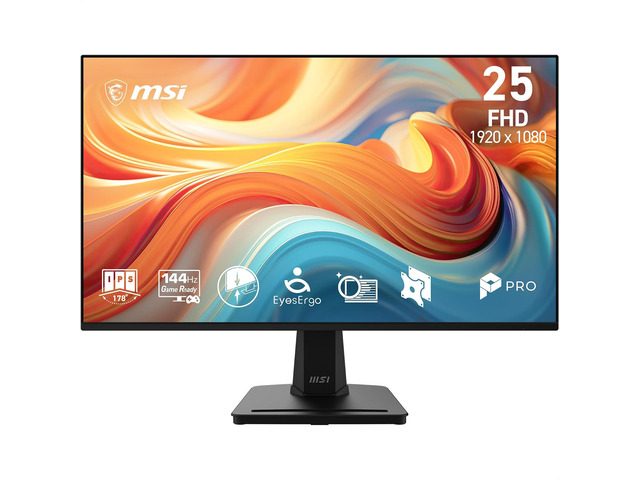 Compact Desk (20"–24")
Best Price: $75.00at AmazonSave 23% (was $109.99)
Specs: 24" FHD (1920×1080) · 200Hz Rapid IPS
Ideal Viewing Distance: 18 to 22 inches (Arm's length)
Stand Footprint: Compact base (~6.5" depth)
VESA Mount: Standard 75/100mm
Desk Fit Analysis: High-density 92 PPI delivers clean text, and blazing 200Hz refresh rate gives esports speed without consuming your entire desktop surface.
2. The Mainstream Sweet Spot for Standard Desks (26" – 30" Depth)
The optimal balance of physical workspace, pixel density, and ergonomic viewing distance for 90% of home and office desks:
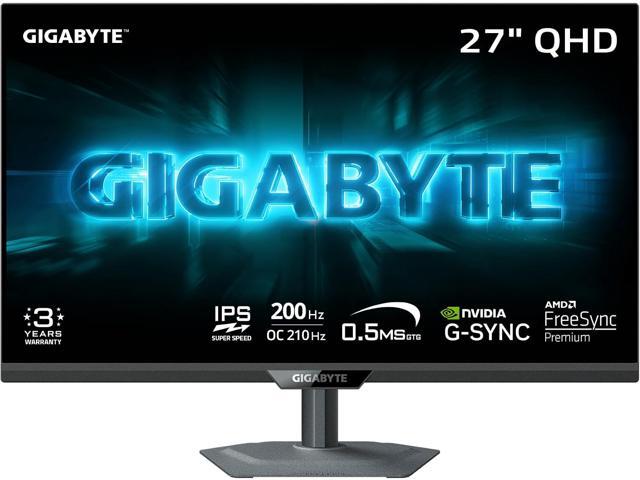 Standard Desk (26"–30")
Best Price: $149.99at NeweggSave 32% (was $219.99)
Specs: 27" QHD (2560×1440) · 144Hz–200Hz IPS
Ideal Viewing Distance: 24 to 28 inches
Stand Footprint: Ergonomic base (~7.5" to 9" depth)
VESA Mount: Standard 75/100mm
Desk Fit Analysis: 1440p resolution provides 77% more desktop real estate than 1080p, allowing side-by-side browser and document multitasking.
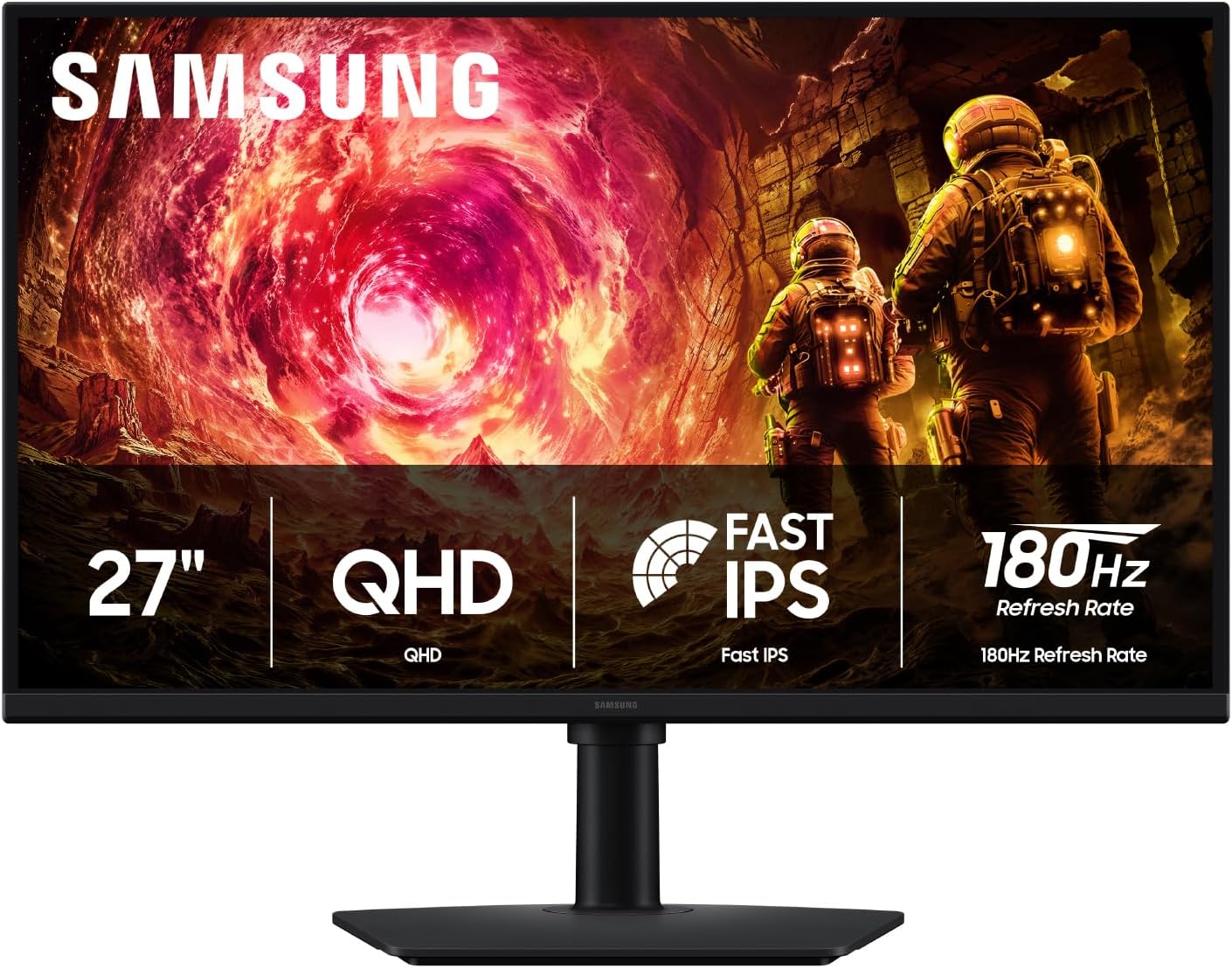 Standard Desk (26"–30")
Best Price: $199.00at AmazonSave 29% (was $279.99)
Specs: 27" QHD (2560×1440) · 144Hz–200Hz IPS
Ideal Viewing Distance: 24 to 28 inches
Stand Footprint: Ergonomic base (~7.5" to 9" depth)
VESA Mount: Standard 75/100mm
Desk Fit Analysis: 1440p resolution provides 77% more desktop real estate than 1080p, allowing side-by-side browser and document multitasking.
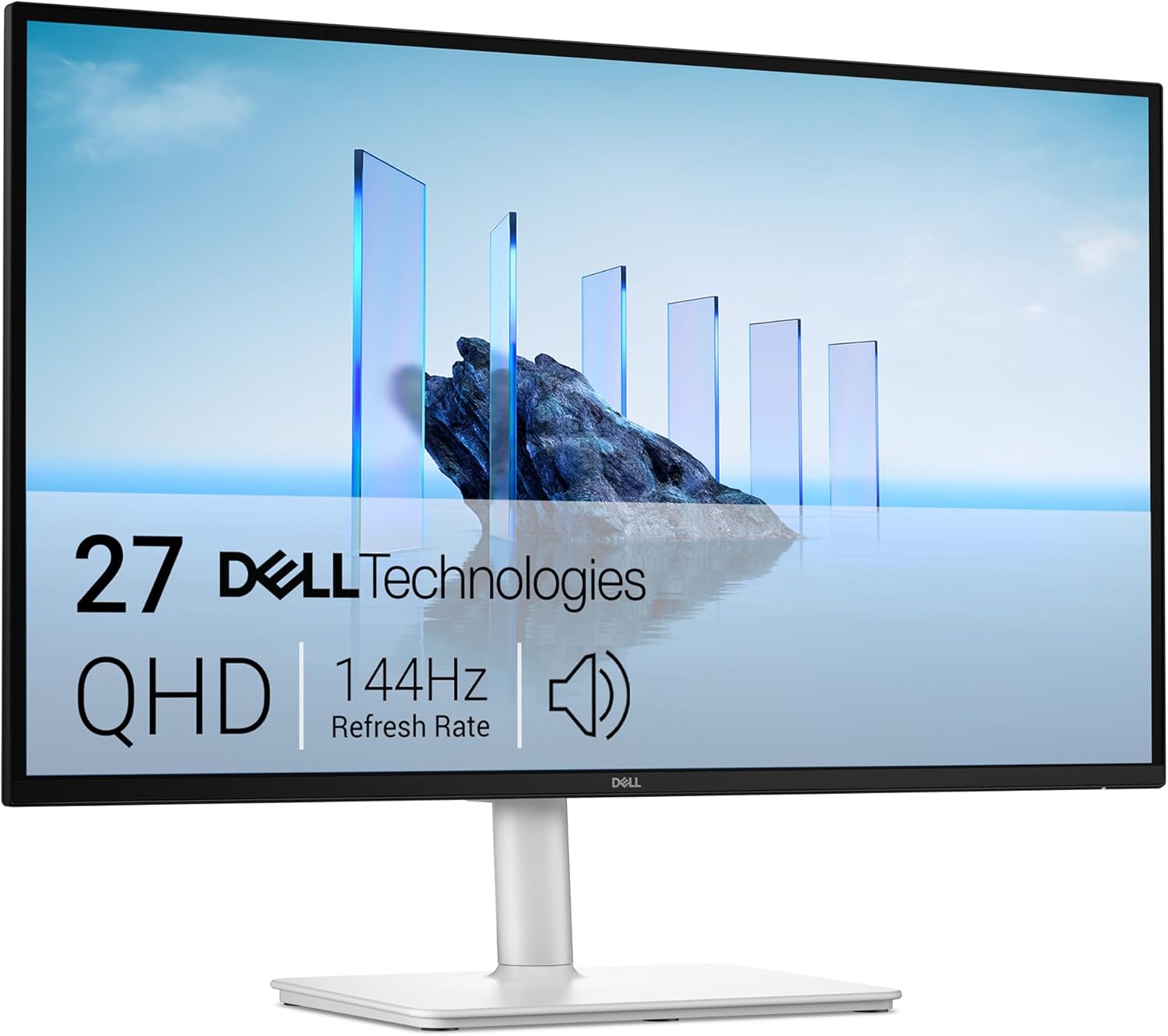 Standard Desk (26"–30")
Best Price: $169.00at AmazonSave 23% (was $219.99)
Specs: 27" QHD (2560×1440) · 144Hz–200Hz IPS
Ideal Viewing Distance: 24 to 28 inches
Stand Footprint: Ergonomic base (~7.5" to 9" depth)
VESA Mount: Standard 75/100mm
Desk Fit Analysis: Comes with a premium full-motion stand that tilts, pivots, and swivels to fit any desk height, paired with crisp 109 PPI QHD resolution.
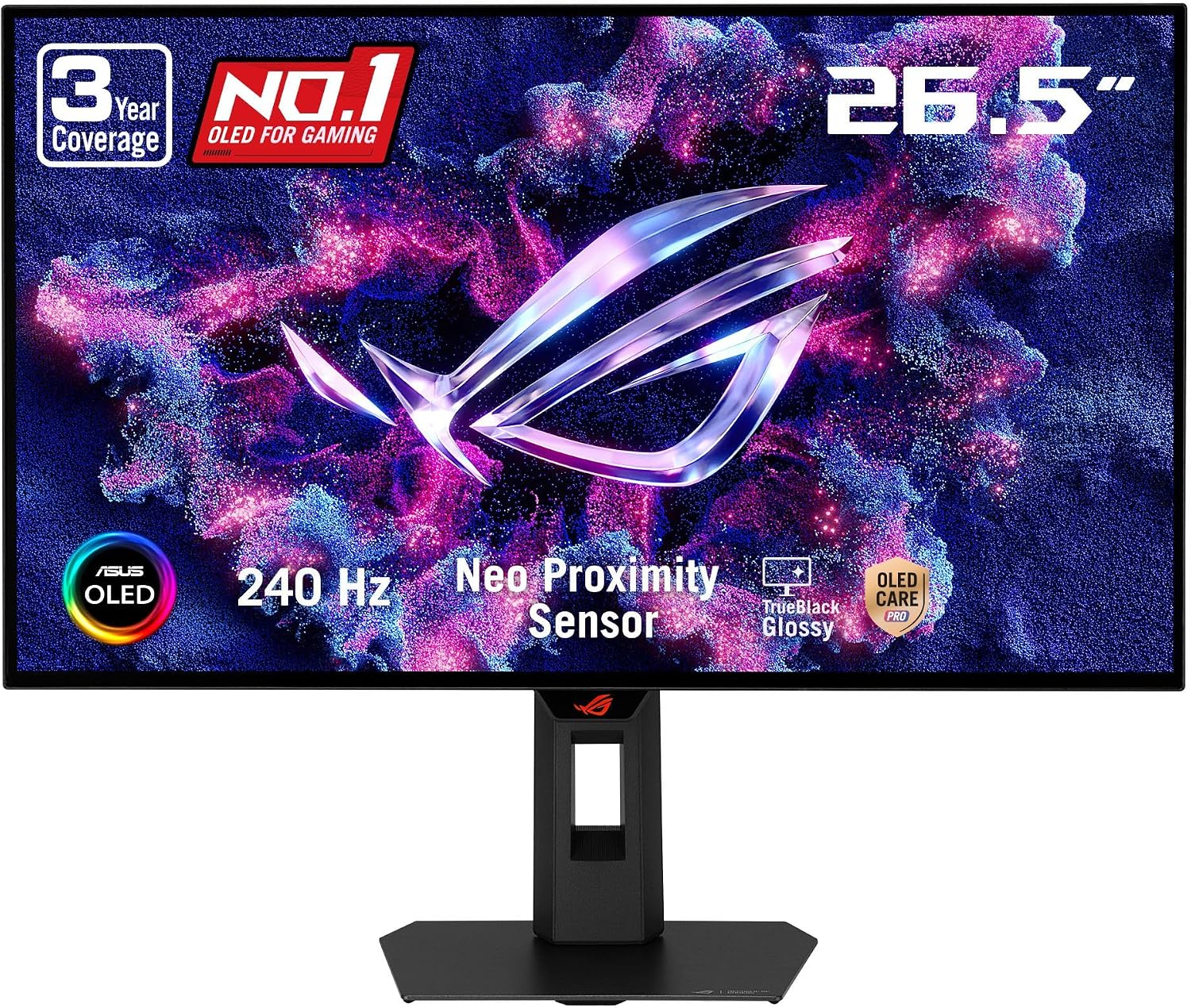 Standard Desk (26"–30")
Best Price: $399.00at AmazonSave 33% (was $599.00)
Specs: 27" QHD (2560×1440) · 240Hz QD-OLED
Ideal Viewing Distance: 24 to 28 inches
Stand Footprint: Ergonomic base (~7.5" to 9" depth)
VESA Mount: Standard 75/100mm
Desk Fit Analysis: Self-lit QD-OLED pixels deliver infinite contrast and 0.03ms responsiveness without backlight glow, perfect for dim light and dark-room desks.
3. Best for Deep Desks & Ultrawide Immersion (32"+ Depth)
For spacious executive desks, standing desks with keyboard trays, or immersive gaming setups where you sit 30+ inches back:
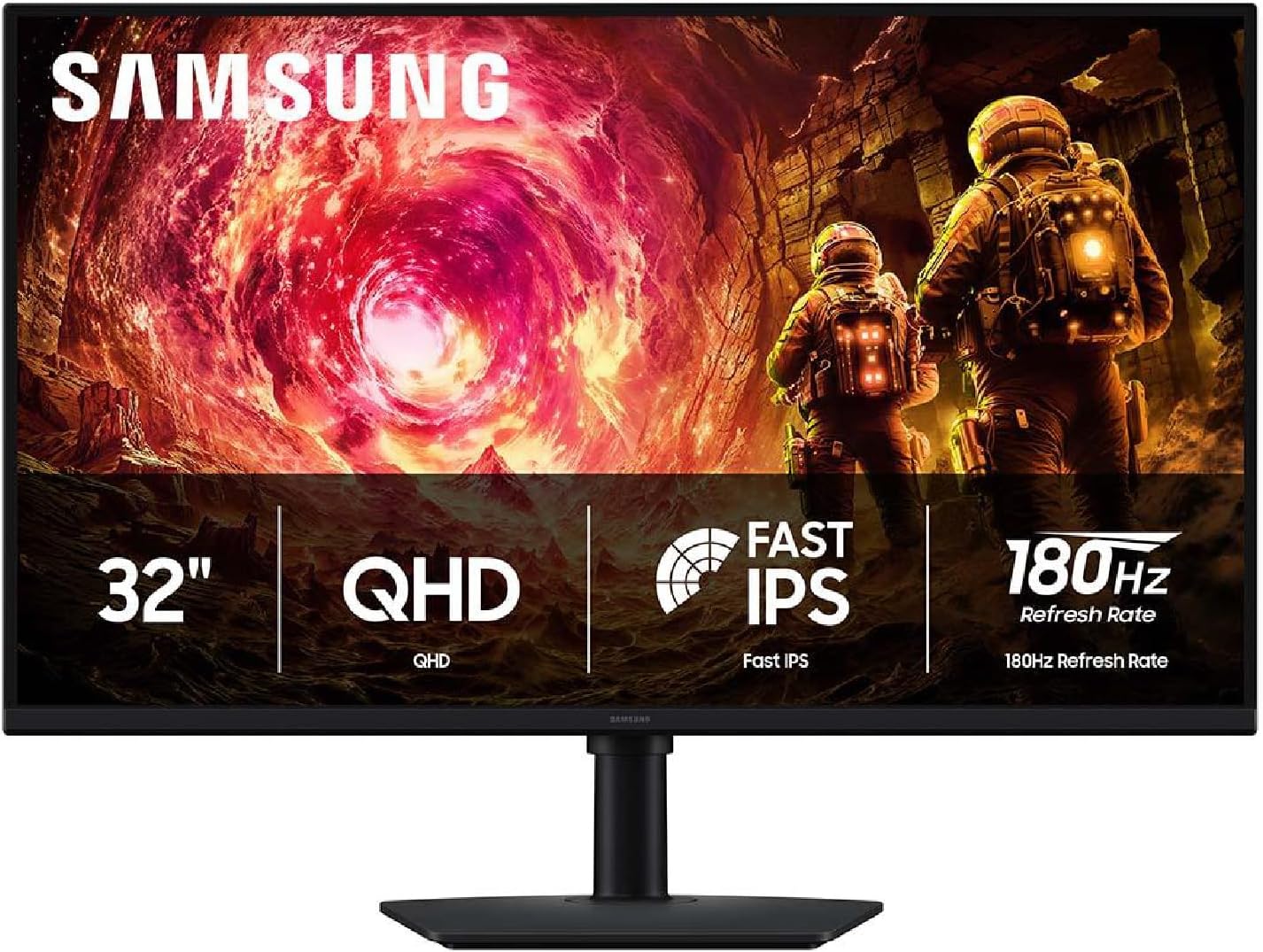
 Deep Desk (32"+ Depth)
Best Price: $179.99at NeweggSave 22% (was $229.99)
Specs: 40" WUHD (5120×2160) Curved
Ideal Viewing Distance: 30 to 36 inches
Stand Footprint: Large base (~9.5" to 11" depth)
VESA Mount: Standard 75/100mm
Desk Fit Analysis: A 40-inch curved powerhouse that replaces a dual-monitor setup entirely with a single seamless panoramic canvas across wide desks.
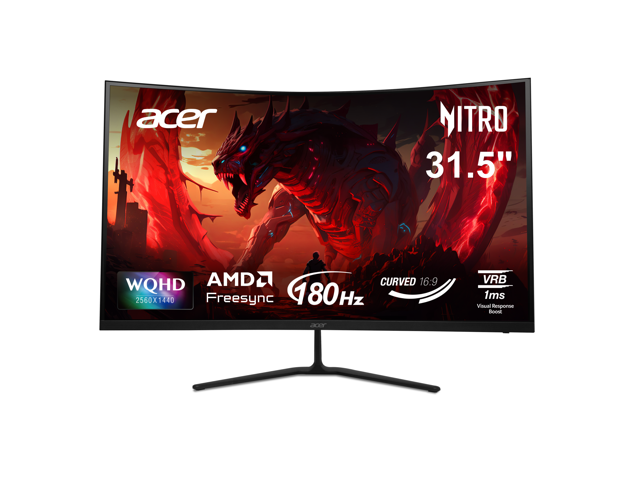
 Deep Desk (32"+ Depth)
Best Price: $219.00at AmazonSave 37% (was $349.99)
Specs: 31.5"–32" QHD (2560×1440) Curved
Ideal Viewing Distance: 30 to 36 inches
Stand Footprint: Large base (~9.5" to 11" depth)
VESA Mount: Standard 75/100mm
Desk Fit Analysis: A 1000R curved 32-inch display matches the natural curvature of the human eye, bringing peripheral corners into focus without neck turning.
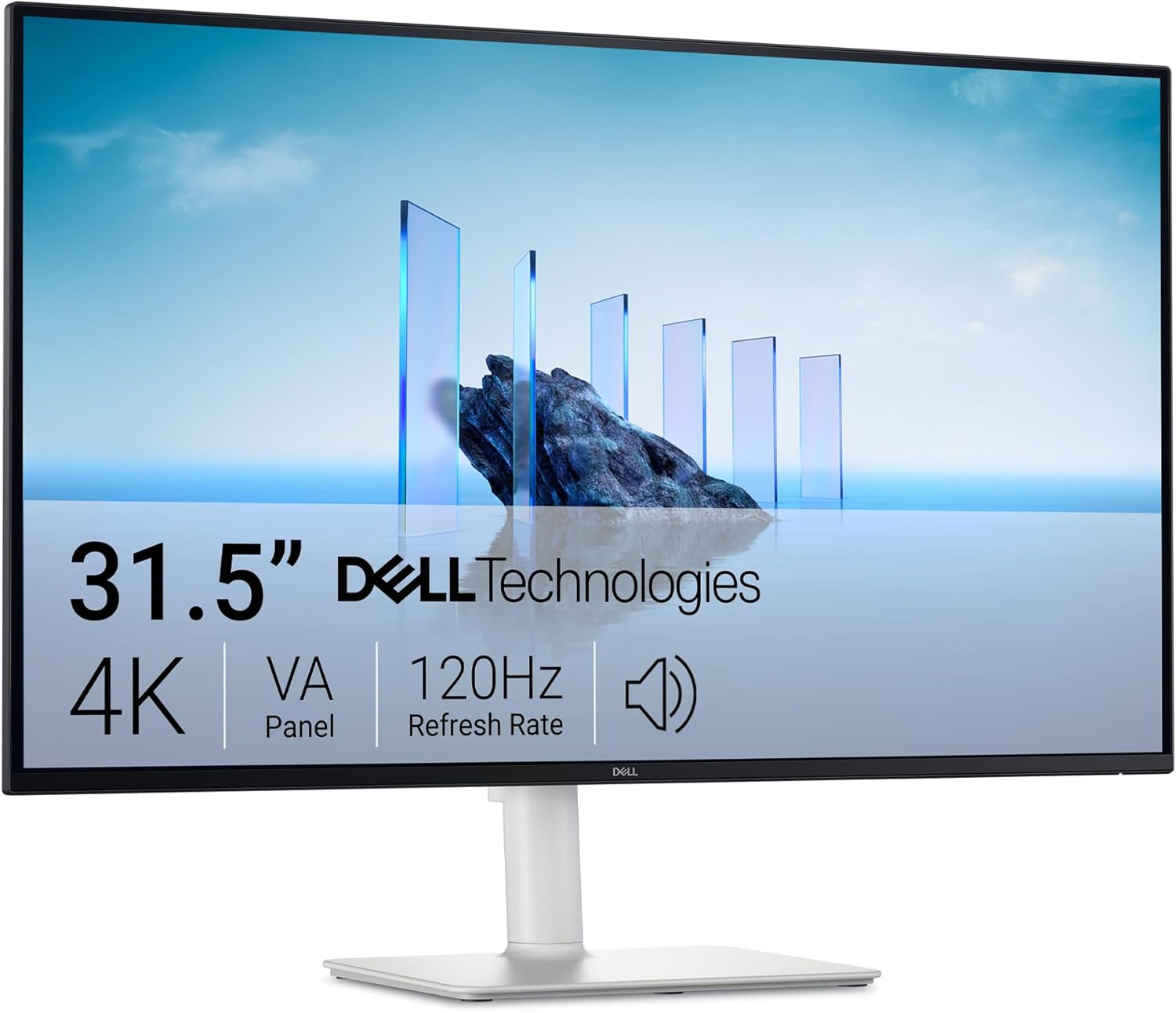 Deep Desk (32"+ Depth)
Best Price: $329.00at AmazonSave 11% (was $369.99)
Specs: 32" 4K UHD (3840×2160) · 120Hz
Ideal Viewing Distance: 30 to 36 inches
Stand Footprint: Large base (~9.5" to 11" depth)
VESA Mount: Standard 75/100mm
Desk Fit Analysis: Spacious 32-inch 4K panel with 120Hz refresh rate and eye-comfort certifications, giving expansive spreadsheet room on deep surfaces.
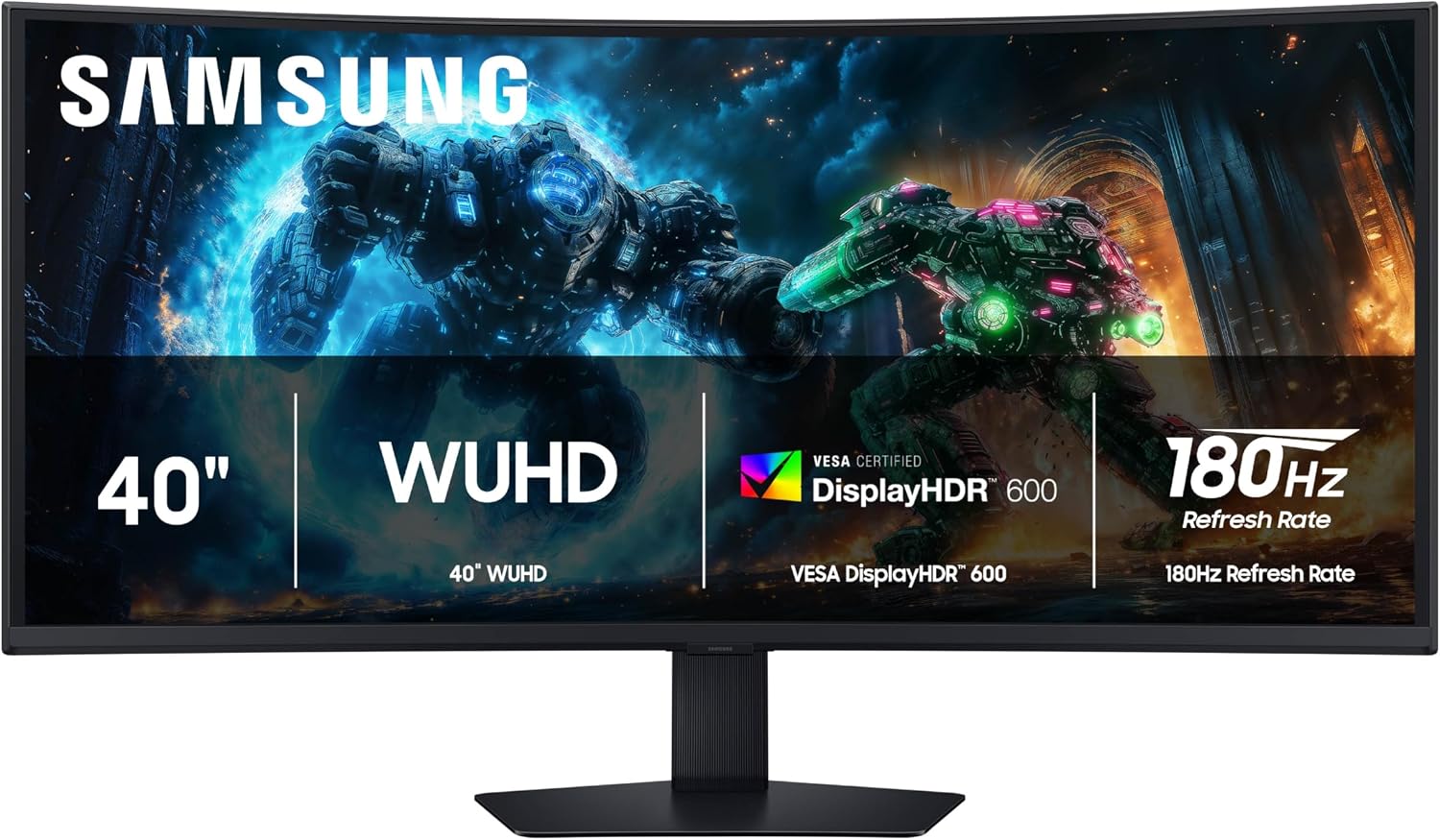 Deep Desk (32"+ Depth)
Best Price: $699.00at AmazonSave 30% (was $999.99)
Specs: 40" WUHD (5120×2160) Curved
Ideal Viewing Distance: 30 to 36 inches
Stand Footprint: Large base (~9.5" to 11" depth)
VESA Mount: Standard 75/100mm
Desk Fit Analysis: A 40-inch curved powerhouse that replaces a dual-monitor setup entirely with a single seamless panoramic canvas across wide desks.
The Desk Buyer's Pre-Flight Checklist
- 1. Measure your real desk depth: Take a tape measure from the back edge to where your keyboard sits. If you have under 26 inches, stay under 27 inches or plan on using a VESA desk clamp arm.
- 2. Inspect the stand base shape: Flat square or rectangular bases allow you to rest sticky notes, a phone, or a soundbar directly on top. Splayed V-legs waste several inches of desk space.
- 3. Match video ports and cable versions: Ensure your PC or laptop supports DisplayPort 1.4 or HDMI 2.0/2.1 to achieve your monitor's native refresh rate and resolution without chroma subsampling.
- 4. Check height adjustability: The top third of your monitor screen should sit level with your resting eye line to prevent forward neck slouching and lumbar strain.
- 5. Look for cross-retailer pricing: Always compare the same model number across Amazon, Best Buy, and Newegg. Many monitors carry identical panels under slight model code variations.