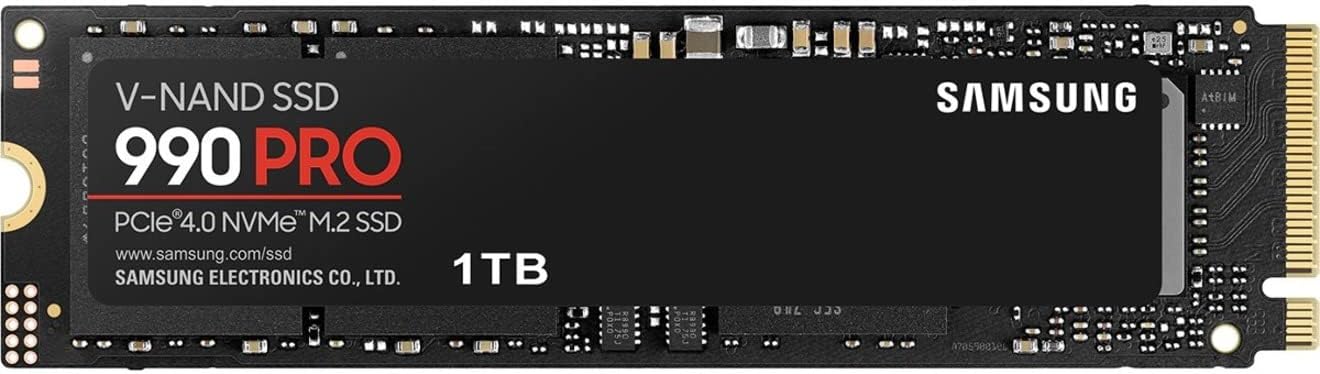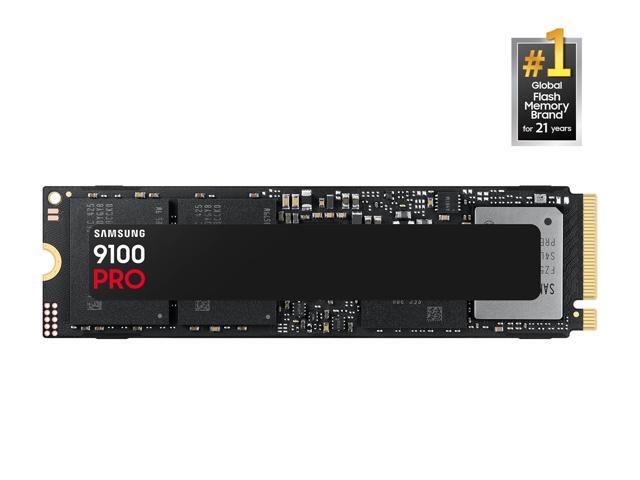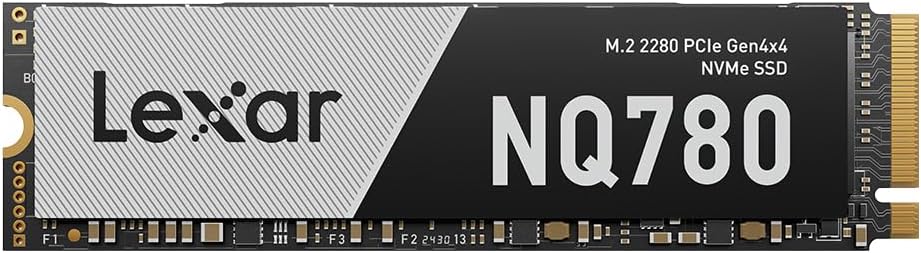
Samsung SSD 990 PRO 1TB, PCIe 4.0 M.2 2280, Up to 7,450 MB/s
Best For: Primary Windows 11 boot drive, high-framerate PC gaming with DirectStorage, PlayStation 5 console storage, and heavy creative editing.

PCIe M.2 NVMe solid-state drives deliver the bandwidth and low latency required for modern PC gaming, PlayStation 5 storage expansion, high-framerate DirectStorage streaming, and 8K creative workflows. We cut through marketing jargon to compare dedicated DRAM vs. HMB caches, PCIe 4.0 vs. 5.0 realities, thermal requirements, and verified daily deals across Best Buy, Amazon, and Newegg.
PCIe 4.0 M.2 NVMe drives hitting 7,000+ MB/s remain the undisputed value and performance champion for 95% of PC gamers, laptop owners, and PlayStation 5 users. While next-gen PCIe 5.0 drives reach staggering speeds of 14,800 MB/s, they demand heavy cooling heatsinks and offer negligible real-world benefits for gaming load times.
Our automated deal scanner audits verified merchant inventory across Amazon, Best Buy, and Newegg every morning. Below are currently active, hand-picked NVMe solid-state drives meeting our strict performance, reliability, and price-per-gigabyte thresholds:

Best For: Primary Windows 11 boot drive, high-framerate PC gaming with DirectStorage, PlayStation 5 console storage, and heavy creative editing.

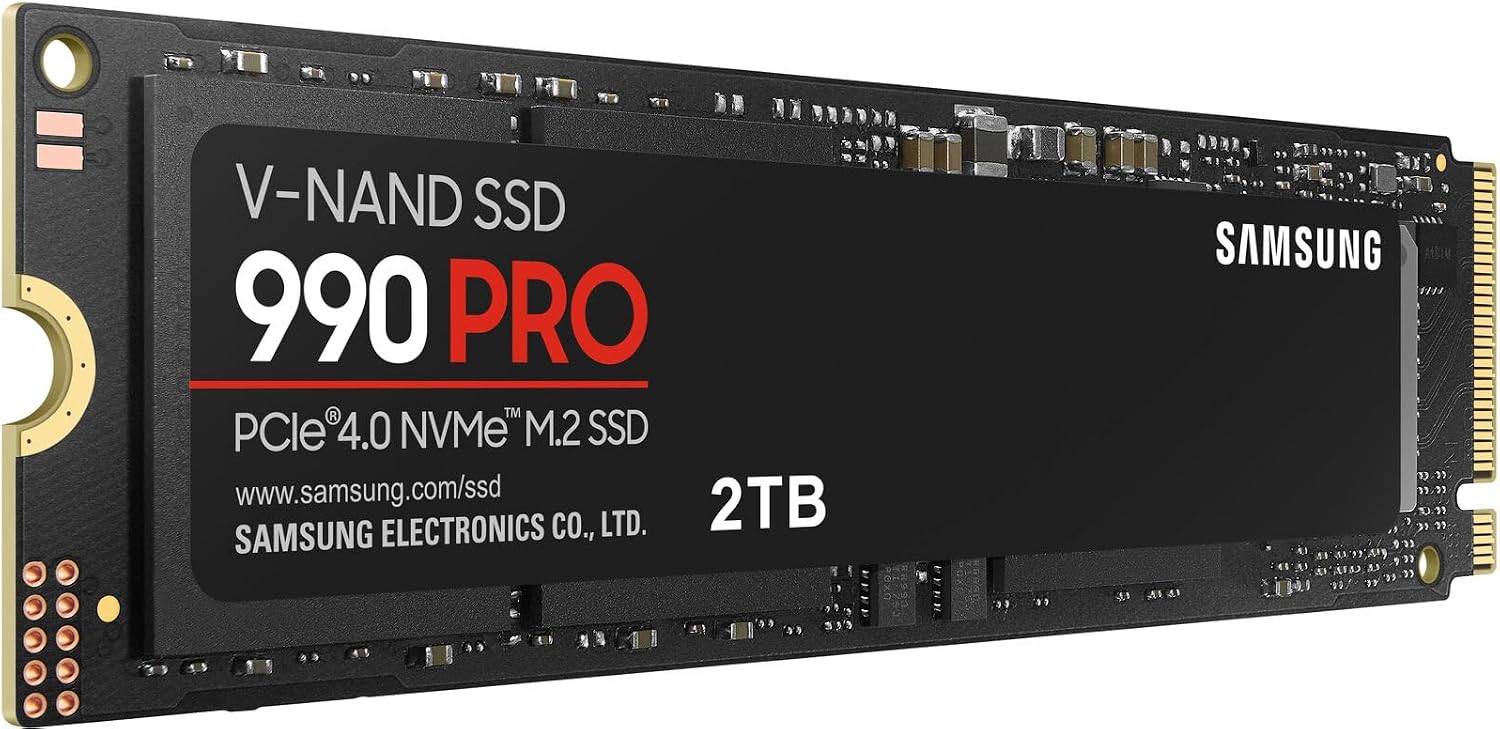
Best For: The single best capacity tier for serious PC gamers and PS5 owners who want 10+ modern blockbuster games installed simultaneously.

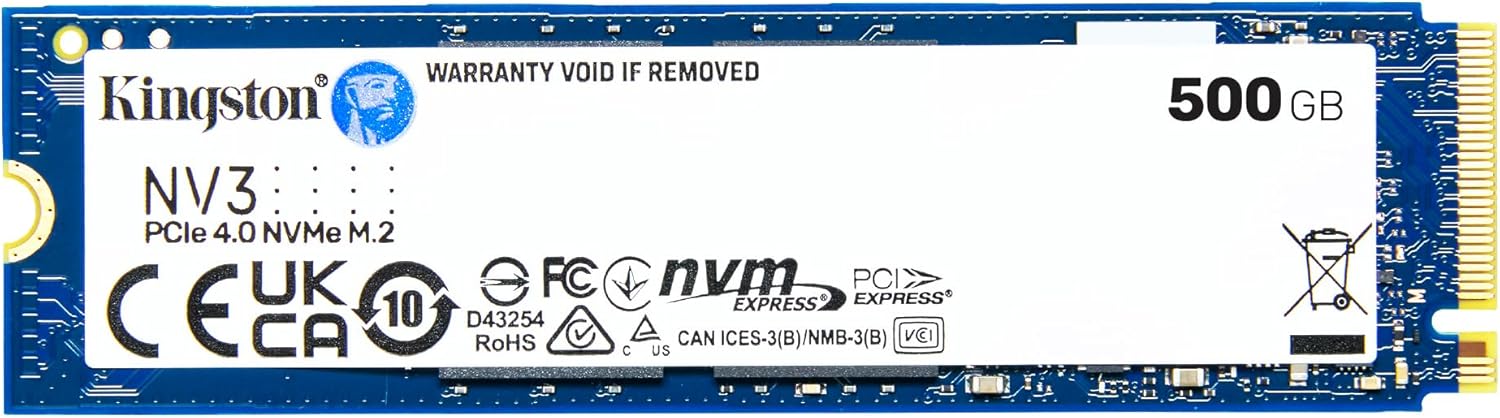
Best For: Secondary game storage library, budget PC builds under $800, and laptop upgrades where paying a DRAM premium is unnecessary.

Best For: Ultrabooks, thin-and-light laptops, and portable workstations requiring minimal battery drain and cool idle temperatures.

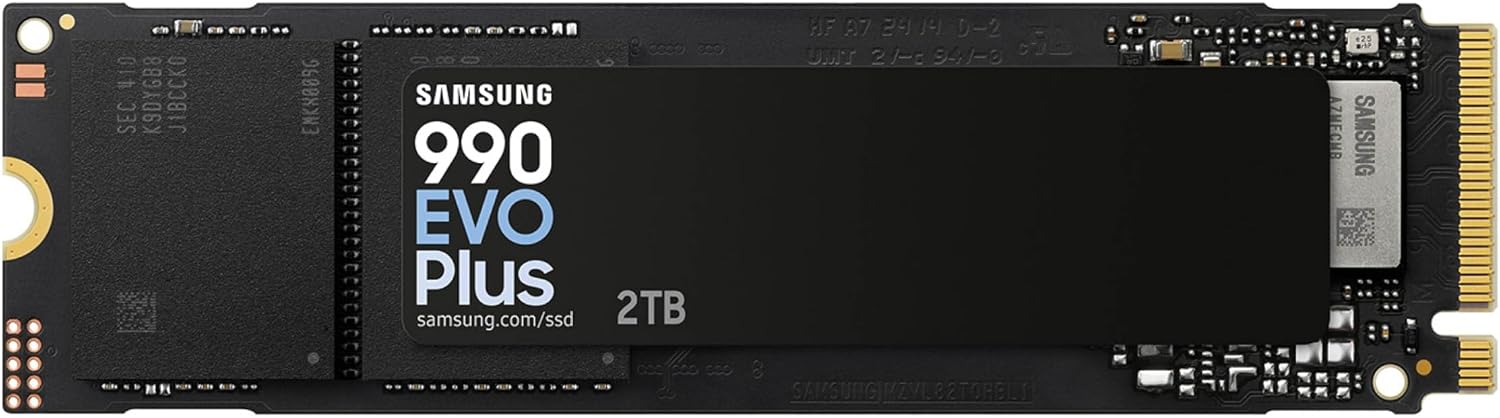
Best For: Enthusiast motherboards with native Gen 5 slots, uncompressed 8K video timelines, local AI weight caching, and extreme productivity.

Best For: Never having to uninstall a game again. Perfect drop-in upgrade for PlayStation 5 and high-end gaming rigs.
NVMe drives communicate with your CPU across high-speed PCI Express lanes. The generation of your drive dictates its theoretical ceiling, power consumption, and thermal profile:
Max Speed: ~3,500 MB/s
Power / Heat: Very low (2–4W), rarely needs heatsinks.
Verdict: Ideal for older laptops (Intel 10th Gen and older) or ultra-budget PC builds under $50.
Max Speed: 5,000 to 7,450 MB/s
Power / Heat: Moderate (5–8W under load). Motherboard heatsink recommended.
Verdict: The standard for PS5, modern gaming PCs, and productivity laptops. Best performance-per-dollar ratio.
Max Speed: 10,000 to 14,800 MB/s
Power / Heat: High (10–14W). Requires heavy multi-fin heatsinks or active mini-fans.
Verdict: Superb for 8K video editing workstations and AI models; severe overkill for gaming.
Top NVMe drives (Samsung 990 PRO, WD SN850X, Crucial T500) feature dedicated LPDDR4 or DDR4 memory chips (typically 1GB per 1TB of storage) directly on the PCB. This keeps the drive's flash translation layer lookup table instantly accessible, preventing latency spikes during sustained sequential writes, heavy multitasking, and database work. Meanwhile, budget NVMe drives (like the Crucial P310 and WD SN770) use Host Memory Buffer (HMB), borrowing 64MB of your computer's system RAM over the PCIe bus. For gaming and everyday PC use, HMB drives perform exceptionally well while saving you \$25 to \$40.
TLC flash stores 3 bits per cell, providing an endurance rating of 600 TBW per 1TB and fast native write speeds (1,200+ MB/s) even after the SLC write cache fills up. QLC stores 4 bits per cell, which lowers manufacturing costs but cuts endurance in half (300 TBW per 1TB) and causes sustained writes to drop to 80–150 MB/s once the SLC cache is exhausted. Tech Deal Compass strongly recommends TLC for primary Windows OS drives.
If you are buying an NVMe drive for your PlayStation 5, Sony enforces strict hardware compatibility:
Almost all modern ultrabooks (Dell XPS, Lenovo ThinkPad, ASUS ZenBook) require single-sided M.2 2280 SSDs, where all NAND chips and memory controllers are on the top side of the board. Double-sided SSDs (often found on older or very dense 4TB/8TB models) will physically bend or press against the motherboard circuitry. Furthermore, never purchase a heatsink-equipped SSD for a laptop—the bulky metal shroud will prevent the bottom laptop cover from snapping shut.
Modern games like Ratchet & Clank: Rift Apart, Forspoken, and Cyberpunk 2077 utilize Microsoft DirectStorage. DirectStorage streams compressed assets directly from your NVMe SSD into your GPU VRAM, bypassing CPU decompression bottlenecks. To benefit fully from DirectStorage, a fast PCIe 4.0 NVMe drive with high random 4K read throughput is essential.
Compare the top NVMe solid-state drives side-by-side to understand speeds, cache architecture, endurance limits, and fair deal price targets:
M.2 is the slot form factor, and "2280" represents the physical dimensions: 22 mm wide by 80 mm long. 2280 is the standard size used in 95% of desktop motherboards, gaming laptops, and the PlayStation 5. Compact handheld gaming PCs (like the Steam Deck and ASUS ROG Ally) typically use shorter M.2 2230 drives (22mm x 30mm). Always confirm your device's physical slot length before buying.
Yes! PCI Express is fully forward and backward compatible. A PCIe 4.0 drive will work without issues in a PCIe 3.0 motherboard, but its sequential speeds will be capped at the PCIe 3.0 bus limit (approximately 3,500 MB/s). It is still a smart purchase because you can carry the full-speed Gen 4 drive forward into your next PC upgrade.
For desktop PCs with motherboards that have built-in metal M.2 heat shields, you do not need to buy a heatsink version. For the PlayStation 5, a heatsink is strictly required because the console drive bay lacks active airflow. For laptops, never buy a heatsink version because the metal enclosure is too tall to fit inside the laptop chassis.
If your budget is under $100, 1TB is the ideal entry point. However, if you play large games (like Call of Duty, Baldur's Gate 3, or Starfield), each game occupies 120GB to 150GB. A 2TB drive provides the breathing room to keep 8 to 12 major games installed while maintaining the recommended 20% free space buffer to preserve peak write performance.