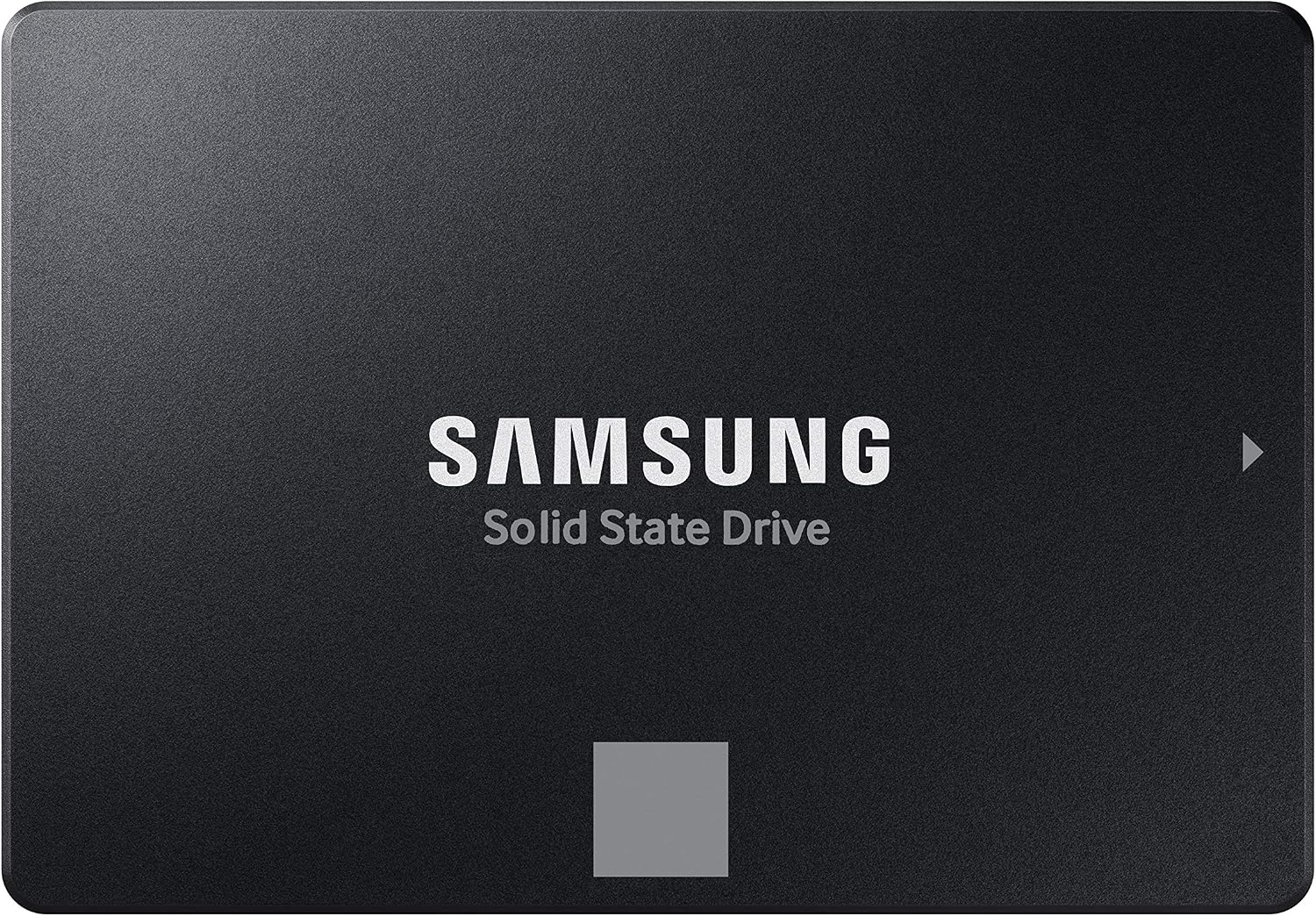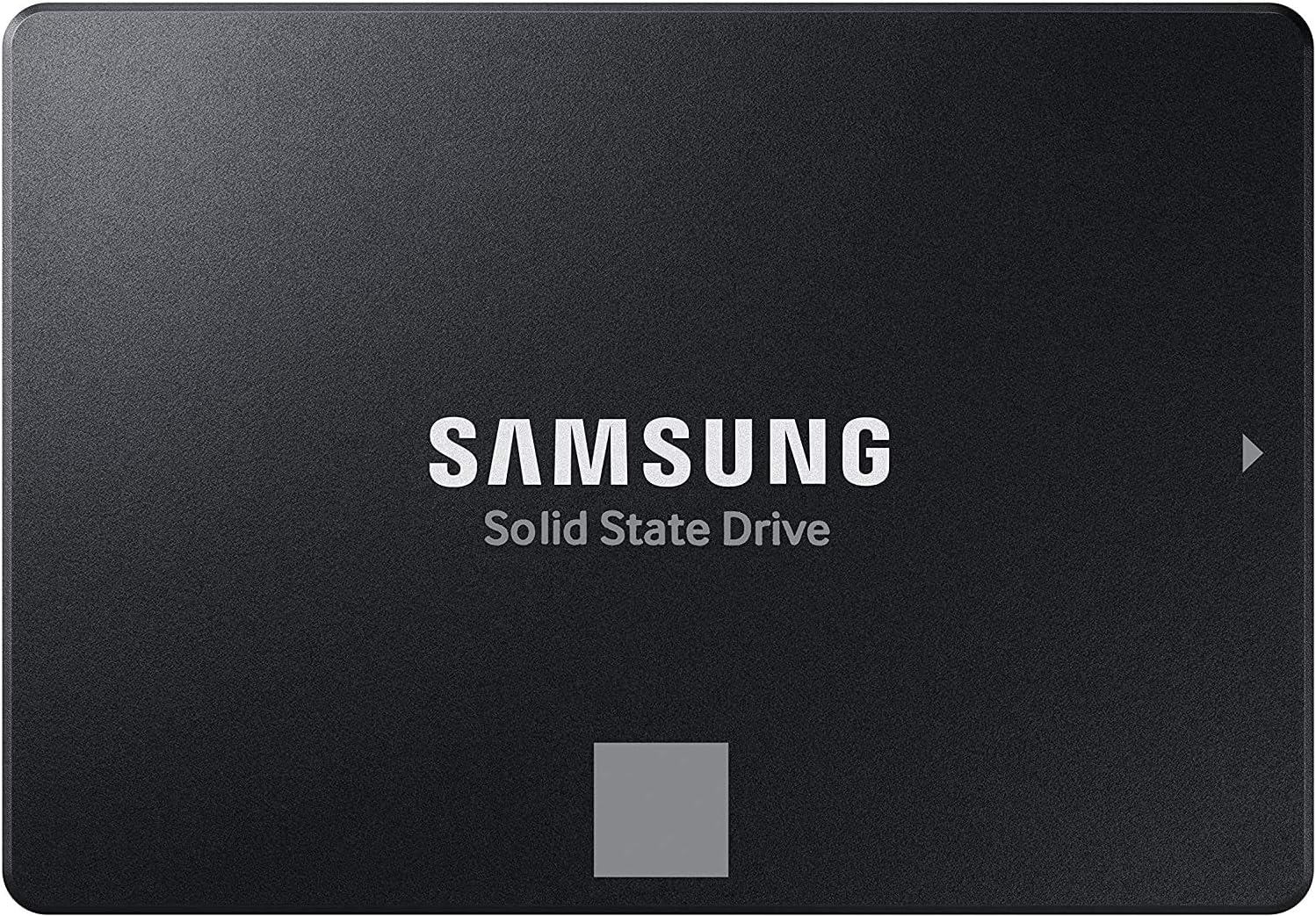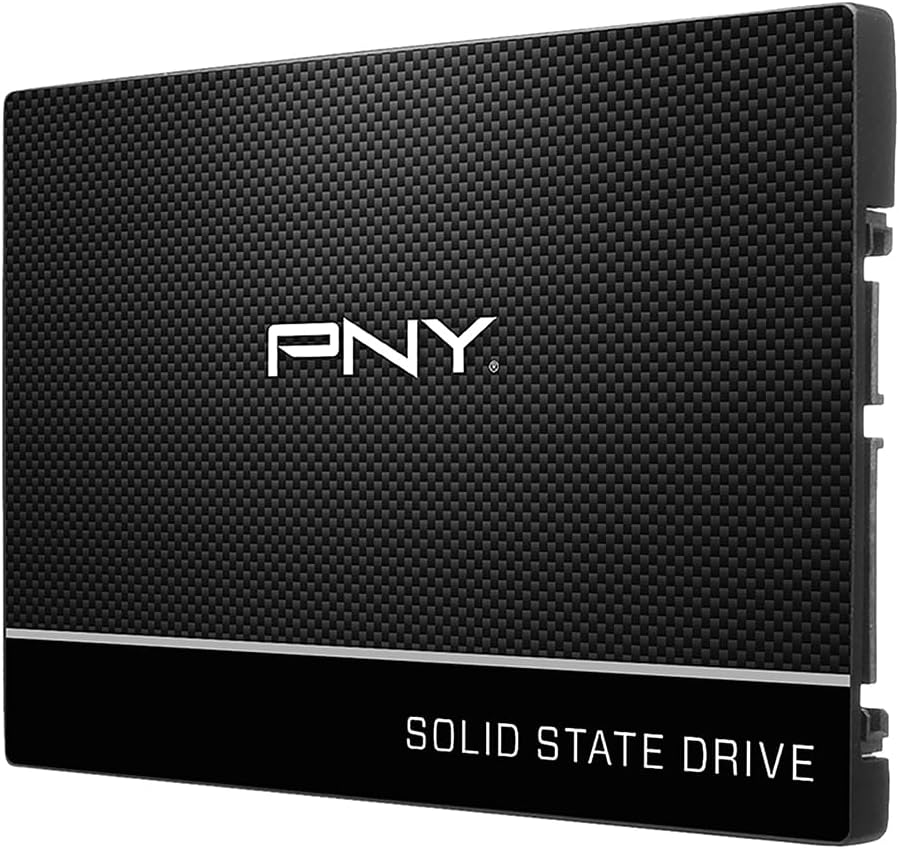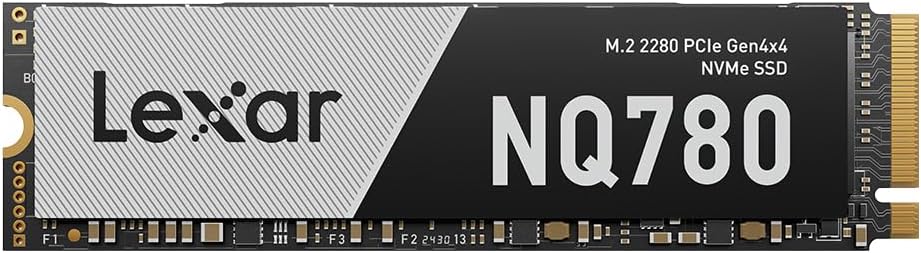
Samsung SSD 870 EVO SATA III 2.5” 1TB, Read Speeds Up to 560MB/s
Best For: Primary Windows OS boot drive for older laptops (2012–2020), legacy desktop motherboards, and intensive multitasking.

SATA SSDs remain the most cost-effective way to revive aging laptops, expand bulk game storage, and build silent media libraries. We cut through confusing marketing claims to compare DRAM vs DRAM-less controllers, TLC vs QLC endurance, 2.5-inch vs M.2 SATA form factors, and verified daily deals across Best Buy, Amazon, and Newegg.
While M.2 NVMe drives claim headline speeds of 7,000+ MB/s, 2.5-inch SATA III solid-state drives remain the most versatile, budget-friendly storage upgrade in consumer computing. A SATA SSD transforms an unusable, grinding older laptop or desktop with a spinning mechanical hard drive into an instantaneous, responsive machine for under $50.
Our price intelligence engine scans verified inventory across Amazon, Best Buy, and Newegg every morning. Below are the top verified 2.5-inch SATA solid-state drives for each specific upgrade scenario:

Best For: Primary Windows OS boot drive for older laptops (2012–2020), legacy desktop motherboards, and intensive multitasking.

Best For: Affordable secondary PC game library, backup drive, or budget PC builds where every dollar counts.

Best For: Massive silent media archives, deep Steam game libraries, and high-capacity creative scratch disks.

Best For: Synology, QNAP, and TrueNAS home servers. Perfect for Plex metadata caching, multi-user file shares, and virtualization.

Best For: Rescuing slow, sluggish laptops with 5,400 RPM mechanical drives without investing hundreds in obsolete hardware.

Best For: Replacing loud spinning 3.5" HDDs with whisper-quiet, zero-vibration solid-state bulk storage for silent desktop builds.
SATA is not meant to compete with modern PCIe 4.0/5.0 NVMe drives for raw bandwidth. Instead, it serves four distinct, indispensable roles in modern tech ecosystems:
Millions of older Core i5/i7 laptops are painfully slow solely because of their 5,400 RPM mechanical hard drives. Swapping in a $35–$60 SATA SSD makes them feel faster than many brand-new budget laptops with eMMC flash.
Most motherboards only feature 2 or 3 M.2 NVMe slots, but provide 4 to 6 SATA ports. A 2TB or 4TB SATA SSD connects with two simple cables, providing completely silent storage for your sprawling Steam, Epic, and GOG libraries.
In Synology, QNAP, or TrueNAS servers, dedicated NAS SATA SSDs (like the WD Red SA500) operate 24/7 with zero seek noise, negligible power consumption, and instant random access for Plex media indexing, containers, and VMs.
The PS4 and PS4 Pro use standard internal 2.5-inch SATA bays. Replacing the stock 500GB/1TB mechanical drive cuts load times in games like Bloodborne, Monster Hunter: World, and Witcher 3 by 50% to 70%.
In M.2 NVMe drives, cheap DRAM-less drives can borrow 64MB of host RAM via Host Memory Buffer (HMB). The legacy SATA III protocol DOES NOT support HMB. If you buy a DRAM-less SATA SSD (such as a cheap generic drive or budget tier) and use it as your main Windows boot drive, random 4K write speeds can crash to single digits during Windows updates, causing mouse freezes and system lockups. For a primary OS drive, spend the extra $15 on a drive with onboard DRAM (Samsung 870 EVO or Crucial MX500).
The SATA III interface has a maximum raw signaling rate of 6 Gb/s. After 8b/10b encoding and protocol overhead, the absolute physical limit of usable data throughput is approximately 550 to 560 MB/s. Any retailer listing claiming 600+ MB/s for a SATA drive is false marketing. What you are paying for in premium SATA drives is not sequential speed, but sustained random 4K IOPS, endurance (TBW), and reliable garbage collection.
All modern 2.5-inch SATA SSDs use the slim 7mm z-height standard. Older laptops from the early 2010s often had thicker 9.5mm drive bays. A 7mm drive will connect and work perfectly in a 9.5mm bay, but you may want to use the existing drive caddy brackets or a cheap adhesive 2.5mm spacer to ensure the drive doesn't wiggle loose when carrying your laptop.
Unlike M.2 drives that slot directly into the motherboard without wires, internal 2.5-inch SATA drives require two distinct cables:
Drives like the Samsung 870 EVO use TLC V-NAND with 600 TBW endurance per 1TB. Ultra-high-capacity budget drives (like the Samsung 870 QVO 4TB/8TB) use QLC NAND. QLC is fantastic for read-heavy bulk storage (media archives, game storage) at a much lower price point, but drops to ~80 MB/s during sustained heavy write operations once its SLC pseudo-cache is exhausted.
Compare the leading 2.5-inch solid-state drives side-by-side to understand controller types, onboard cache, and realistic street price targets:
Yes! You can use free cloning software (such as Macrium Reflect Free, Clonezilla, or Samsung Data Migration if buying a Samsung EVO drive). Connect the new SATA SSD to your laptop using an inexpensive $8 USB-to-SATA cable, clone your existing drive bit-for-bit in about 20–40 minutes, and then physically swap the drives. Your laptop will boot up immediately with all your files, programs, and Windows activation intact.
Yes, SATA is 100% backward compatible. If your older desktop or laptop only has SATA II (3 Gb/s), a modern SATA III SSD will work seamlessly, though sequential transfers will be limited to approximately 275–285 MB/s. Even at SATA II speeds, the near-zero random seek time provides the same dramatic responsiveness upgrade over an old mechanical HDD.
For 95% of current PC games, the real-world difference in loading times between a 560 MB/s SATA SSD and a 7,000 MB/s NVMe SSD is tiny—often just 1 to 3 seconds (e.g., 11 seconds on SATA vs. 9 seconds on NVMe). While games utilizing advanced DirectStorage asset decompression benefit from NVMe bandwidth, SATA SSDs remain superb for secondary game storage libraries where capacity per dollar matters most.
If you need storage inside your desktop or laptop as an internal drive, buy a 2.5-inch internal SATA SSD. If you just need external backup, photo transfer, or expansion for a modern MacBook that lacks internal drive bays, buy a dedicated USB 3.2 external SSD (like the Samsung T7), which reaches 1,050 MB/s—twice as fast as SATA.